1
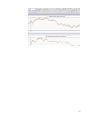
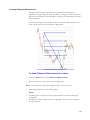
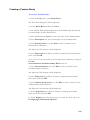
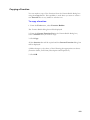
Changing the Order of Sub-Charts
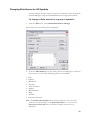
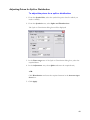
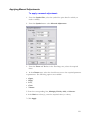
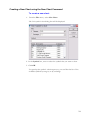
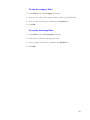
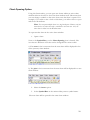
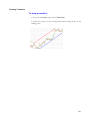
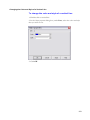
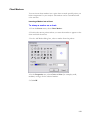
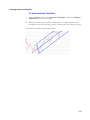
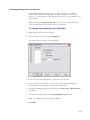
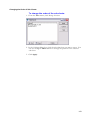
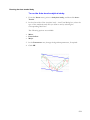
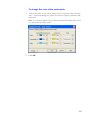
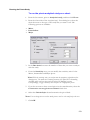
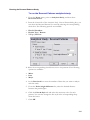
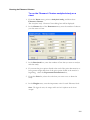
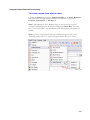
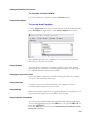
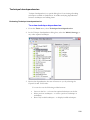
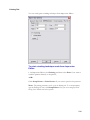
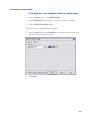
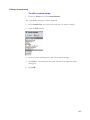
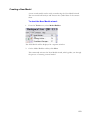
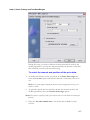
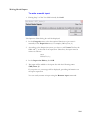
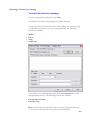
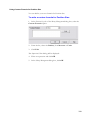
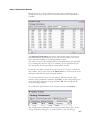
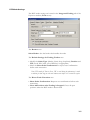
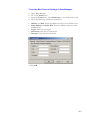
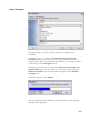
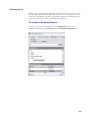
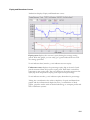
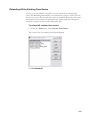
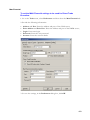
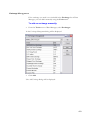
To change the order of the sub-charts:
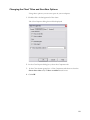
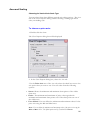
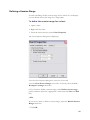
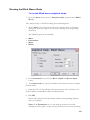
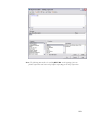
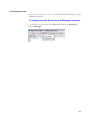
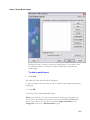
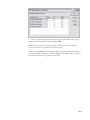
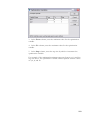
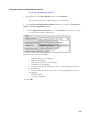
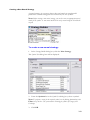
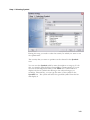
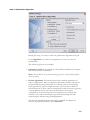
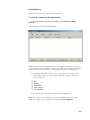
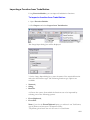
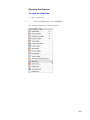
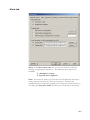
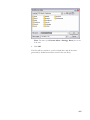
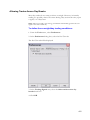
1. From the View menu, click Manage Subcharts.
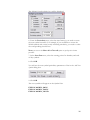
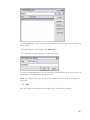
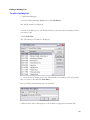
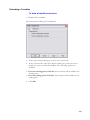
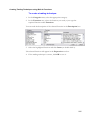
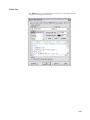
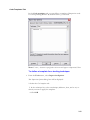
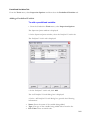
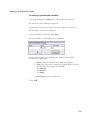
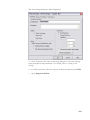
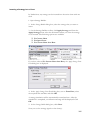
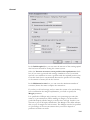
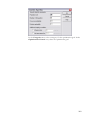
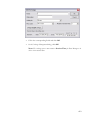
2. In the Subcharts dialog box, click the sub-chart that you want to move. You
can use the Up or Down button to change the position of the selected
sub-chart.
3. Click Apply.
143