1
Spring Boot Reference Guide
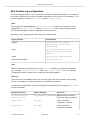
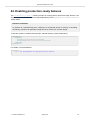
25. Profiles
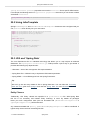
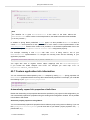
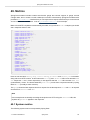
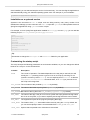
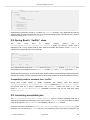
Spring Profiles provide a way to segregate parts of your application configuration and make it
only available in certain environments. Any @Component or @Configuration can be marked with
@Profile to limit when it is loaded:
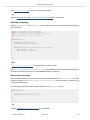
@Configuration
@Profile("production")
public class ProductionConfiguration {
// ...
}
In the normal Spring way, you can use a spring.profiles.active Environment property to
specify which profiles are active. You can specify the property in any of the usual ways, for example
you could include it in your application.properties:
spring.profiles.active=dev,hsqldb
or specify on the command line using the switch --spring.profiles.active=dev,hsqldb.
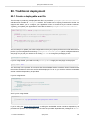
25.1 Adding active profiles
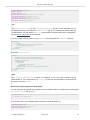
The spring.profiles.active property follows the same ordering rules as other properties,
the highest PropertySource will win. This means that you can specify active profiles in
application.properties then replace them using the command line switch.
Sometimes it is useful to have profile-specific properties that add to the active profiles rather than replace
them. The spring.profiles.include property can be used to unconditionally add active profiles.
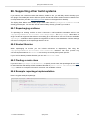
The SpringApplication entry point also has a Java API for setting additional profiles (i.e. on top of
those activated by the spring.profiles.active property): see the setAdditionalProfiles()
method.
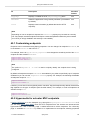
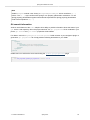
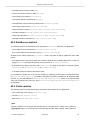
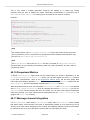
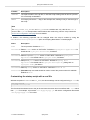
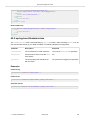
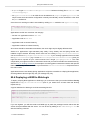
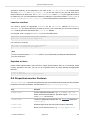
For example, when an application with following properties is run using the switch -spring.profiles.active=prod the proddb and prodmq profiles will also be activated:
--my.property: fromyamlfile
--spring.profiles: prod
spring.profiles.include: proddb,prodmq
Note
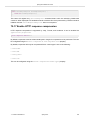
Remember that the spring.profiles property can be defined in a YAML document to
determine when this particular document is included in the configuration. See Section 69.6,
“Change configuration depending on the environment” for more details.
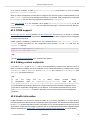
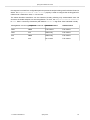
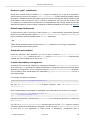
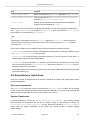
25.2 Programmatically setting profiles
You
can
programmatically
set
active
profiles
by
calling
SpringApplication.setAdditionalProfiles(…) before your application runs. It is also
possible to activate profiles using Spring’s ConfigurableEnvironment interface.
1.3.1.BUILD-SNAPSHOT
Spring Boot
64