1
Recording a picture
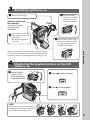
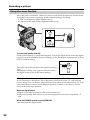
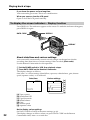
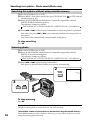
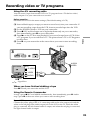
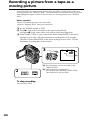
Shooting with the Mirror Mode
This feature allows the camera subject to view him-or herself on the LCD screen.
The subject uses this feature to check his or her own image on the LCD screen while you
look at the subject in the viewfinder.
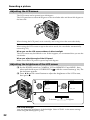
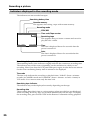
The
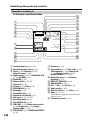
indicator appears in the viewfinder and on the LCD screen.
Xz appears in the standby mode, and z appears in the recording mode. Some of other
indicators appear mirror-reversed and others are not displayed.
Recording – Basics
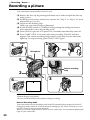
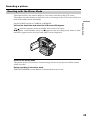
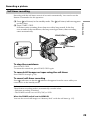
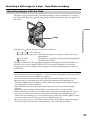
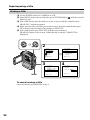
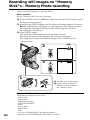
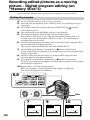
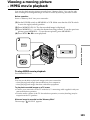
Set the POWER switch to CAMERA or MEMORY.
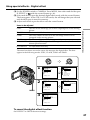
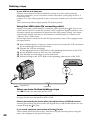
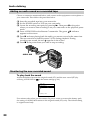
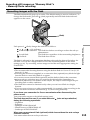
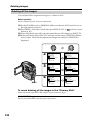
Pull out the viewfinder and rotate the LCD screen 180 degrees.
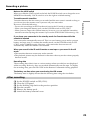
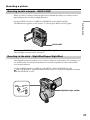
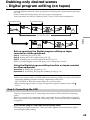
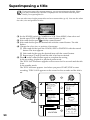
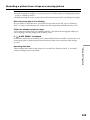
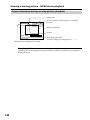
Picture in the mirror mode
The picture on the LCD screen is a mirror-image. However, the picture will be normal
when recorded.
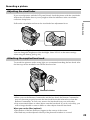
During recording in the mirror mode
ZERO SET MEMORY on the Remote Commander does not work.
25