1
Chapter 7: Virtual Service
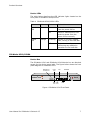
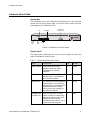
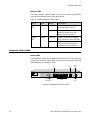
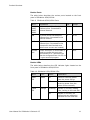
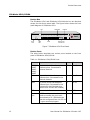
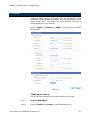
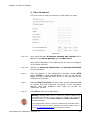
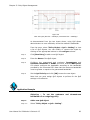
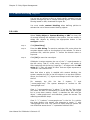
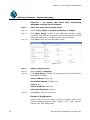
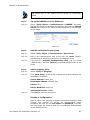
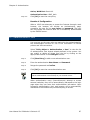
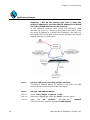
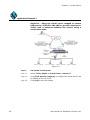
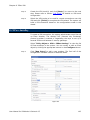
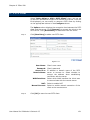
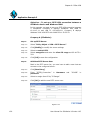
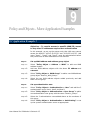
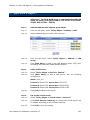
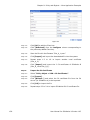
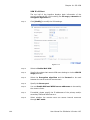
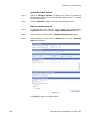
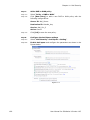
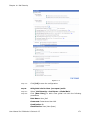
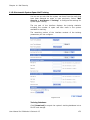
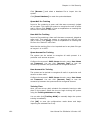
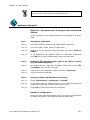
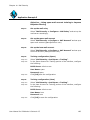
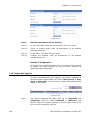
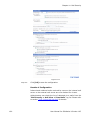
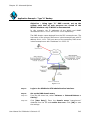
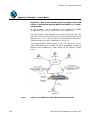
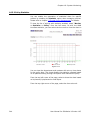
Figure 7.6
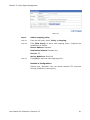
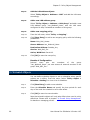
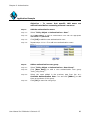
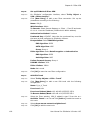
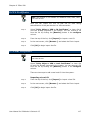
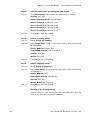
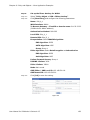
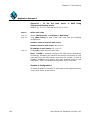
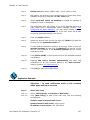
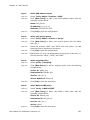
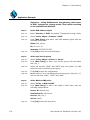
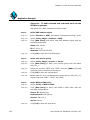
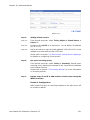
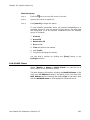
Step 5:
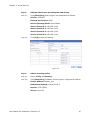
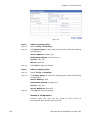
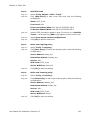
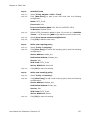
Add an incoming policy
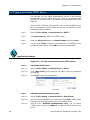
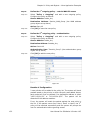
Step 5.1:
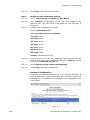
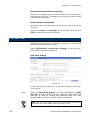
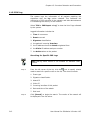
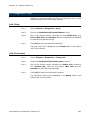
Select “Policy > Incoming”
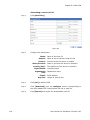
Step 5.2:
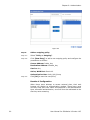
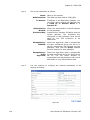
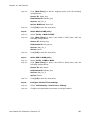
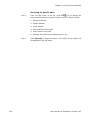
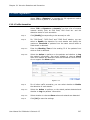
Click [New Entry] to add a new incoming policy with the following
configurations:
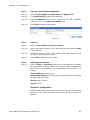
Source Address: Outside_Any
Destination Address: Virtual Server 2
Service: VoIP_Svc
Action: Permit All
Step 5.3:
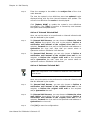
Click [OK] to save the setting.
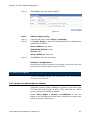
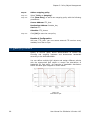
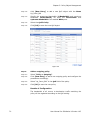
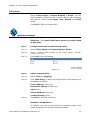
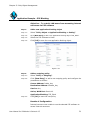
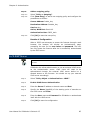
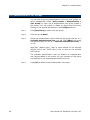
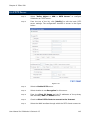
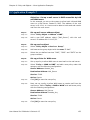
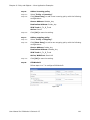
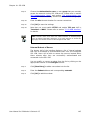
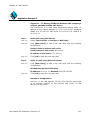
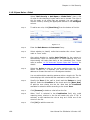
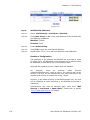
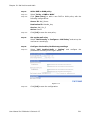
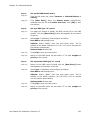
Step 6:
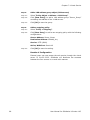
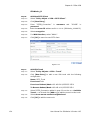
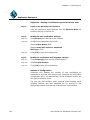
Add an outgoing policy
Step 6.1:
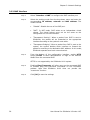
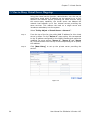
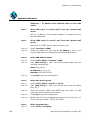
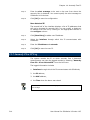
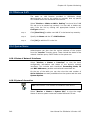
Select “Policy > Outgoing”.
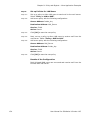
Step 6.2:
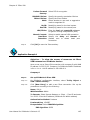
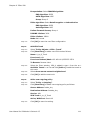
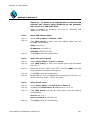
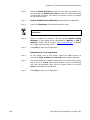
Click [New Entry] to add a new outgoing policy with the following
configurations:
Source Address: VoIP
Destination Address: Outside_Any
Service: VoIP_Svc
Action, WAN Port: Permit All
Step 6.3:
Click [OK] to save the setting.
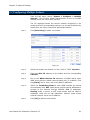
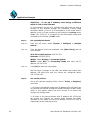
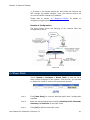
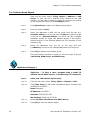
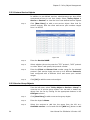
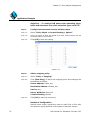
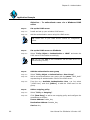
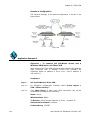
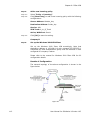
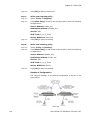
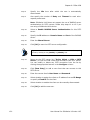
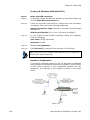
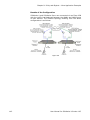
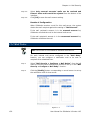
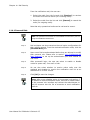
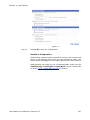
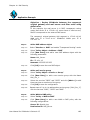
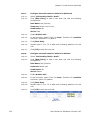
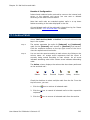
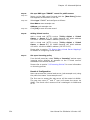
Results of Configuration
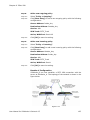
External users can now use the virtual IP 61.11.11.12 to
communicate with internal users via VoIP.
100
User Manual for SifoWorks U-Series 4.05