1
IAC3000
User’s Manual
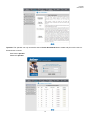
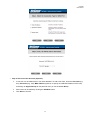
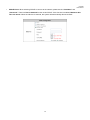
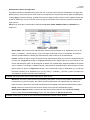
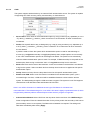
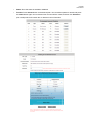
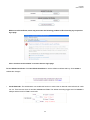
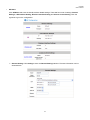
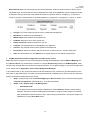
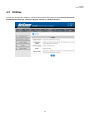
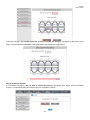
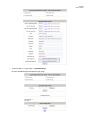
changes you have made.
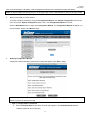
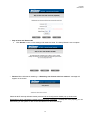
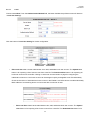
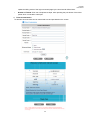
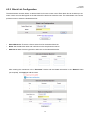
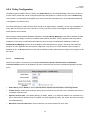
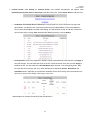
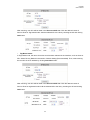
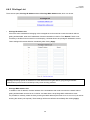
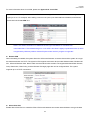
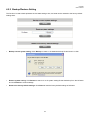
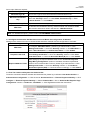
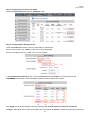
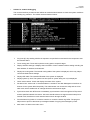
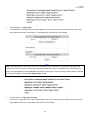
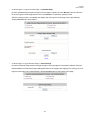
Step 4: Configure Service Zone 2 for Employee
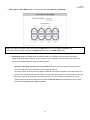
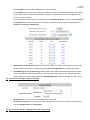
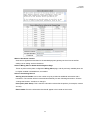
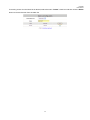
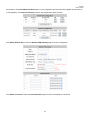
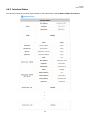
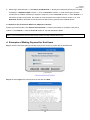
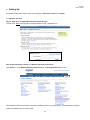
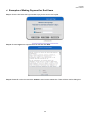
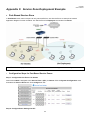
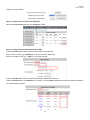
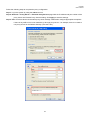
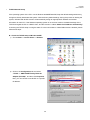
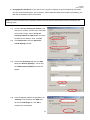
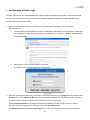
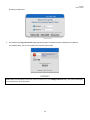
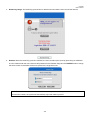
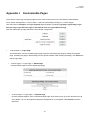
Select the Service Zones tab and click Configure of SZ2.
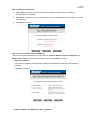
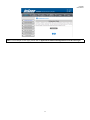
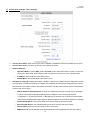
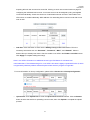
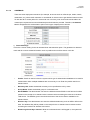
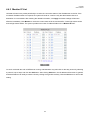
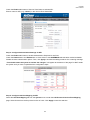
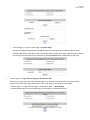
Step 5: Configure Authentication Settings for SZ2
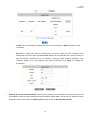
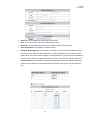
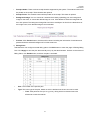
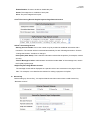
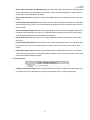
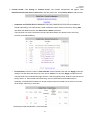
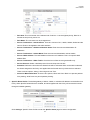
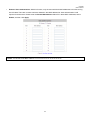
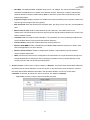
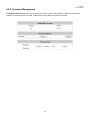
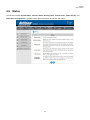
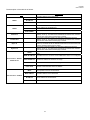
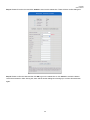
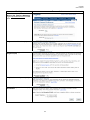
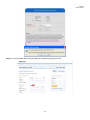
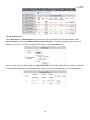
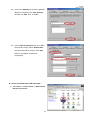
Check the Enable radio button of Service Zone Status to activate SZ2.
Enter a name for SZ1 (e.g. “Employee”) in the Service Zone Name field.
Enter a VLAN tag for SZ1 (e.g. “2222”) in the VLAN Tag field.
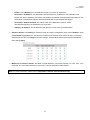
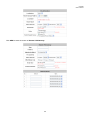
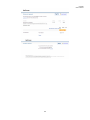
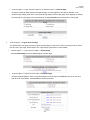
Check the Enable radio button to enable Authentication Required for the Zone.
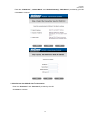
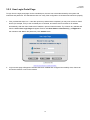
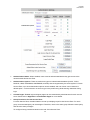
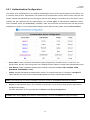
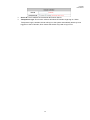
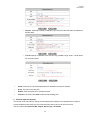
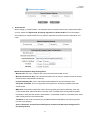
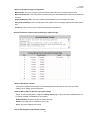
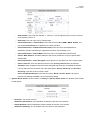
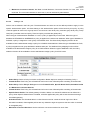
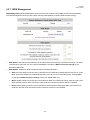
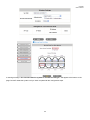
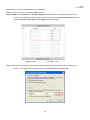
Check the Default button and Enabled box of Server 1 to set LOCAL authentication method as default. Disable all
other authentication options.
174