1
Overview
Object Sizing
Undo
Undo allows you to restore the last editing operation(s) that have taken place. For
example, if a segment of text has been deleted or changed, performing an undo
will restore the original text.
The number of undo actions are limited and are based on the complexity of the
label and the specific objects on the label.Typically, the fewer objects on the label,
the more undo actions can be done. If you take an action that you cannot undo,
the Undo option will no longer be available.
Actions that you can undo are:
•
•
•
•
•
Add object
Format objects or change object attributes
Delete objects
Size or move objects
Type text
Actions that you cannot undo are:
• Any file operation (save, open, delete)
• Change printer defaults
• Print/cut operations
• Select a label template
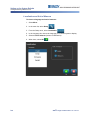
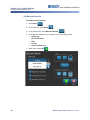
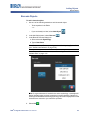
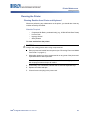
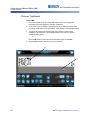
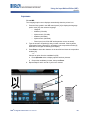
To undo an action:
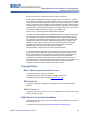
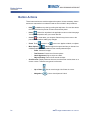
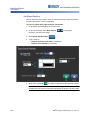
1. Select Undo
previous state.
. The last action is canceled and the label returns to its
2. Repeat Step 1 to undo multiple actions.
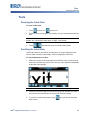
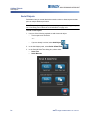
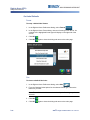
Object Sizing
The system automatically reduces the object size to fit on the label and will move
or resize the object so it stays within the printable area of the label (text will not be
truncated).
4-2
BBP®31 Sign & Label Printer User’s Manual