1
78
3.4
MH Pro! User Guide
Measuring in Graphic Views
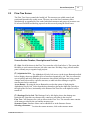
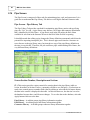
MH Pro! allows you to get distance measurements between any two points in drawings in the
graphic windows. This feature is available in the Plan View, Elevation View, Butterfly View
and Rollout View.
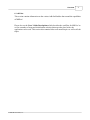
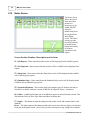
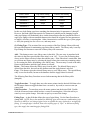
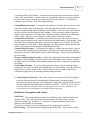
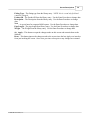
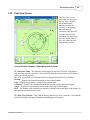
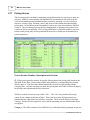
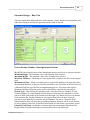
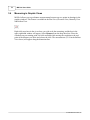
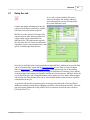
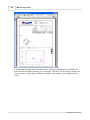
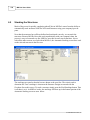
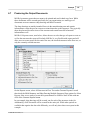
Right click anywhere in the view where you wish to do the measuring, and the box in the
upper right hand window will appear. Select Measure from the drop down box. Place the
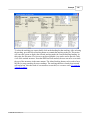
crosshairs on your starting point, left click and hold while moving the crosshairs to the end
point of the distance you desire and release the click. The measurement (55.99 in the Rollout
View above) will appear along the dimension line.
© 2008 FBE Associates, Inc.