1
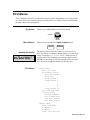
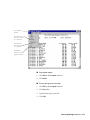
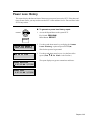
Country Setup Default Values
The Country Setup menu lets you define the volume units, date format and time format used for
your system. (It's called "Country" setup because these formats are often determined by the country
you live in.) The ECU comes with default values that you can use without making any changes in
Country Setup.
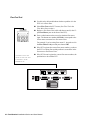
Country Setup
Default Values
Volume Units:
oz
Date Format:
MM/DD/YY (01/31/99)
Time Format:
12 hour (02:45:00 PM)
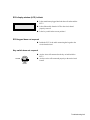
If you want to change any of these default values see the specific
task headings that follow.
Note
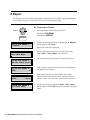
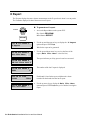
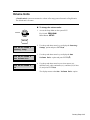
q When you're finished working in Country Setup and you
want to return to the Setup Menu, use the up and down
arrow keys to select Exit this Menu and press ENTER(↵).
6-2 Draft Sentinel Installation/Service and User Manual