1
AirborneM2M™ User Manual
B+B SmartWorx
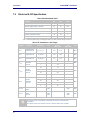
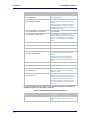
Step
Description
Optional
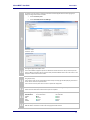
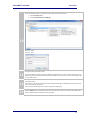
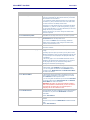
Restarts the device. After the device as
rebooted it will attempt to authenticate to
the configured network. As long as the
network is in range the wireless interface will
connect.
Once authenticated to the network it the
device will attempt to make a TCP
connection with primary target server, using
the configured port number.
Press Restart [Button]
19.5
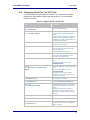
Configuring Serial Port 2 as TCP Client
In this mode the device will attempt to initiate a TCP connection to a network
based server and establish a data tunnel with Serial Port 2 on a successful
network connection.
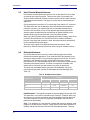
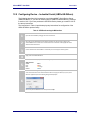
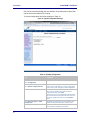
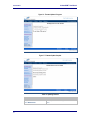
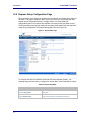
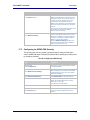
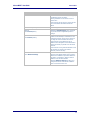
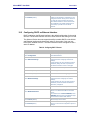
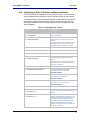
Table 38 - Configure Serial Port 2 as TCP Client
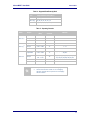
Step
Description
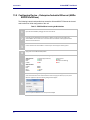
Navigation Bar
You will see a group of fields under the
banner of WLAN Parameters.
Select Configuration
Feature Link
Select Connection Settings
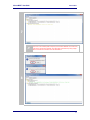
Select TCP Port – Serial Port 2
Enter the port on which the target server is
listening for TCP connections.
Select TCP Timeout – Serial Port 2
Enter the inactivity timeout in seconds, after
which the device will close the open data
tunnel on Serial Port 1.
The default 0 disables the timeout.
Select TCP Retry Time – Serial Port 2
Enter the period (in seconds) the device
should use to retry establishing the TCP
connection to the target server.
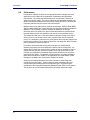
Select Primary TCP Target Server IP Address
– Serial Port 2
Enter the IP address of the primary target
server.
The address must be in the format:
XXX.XXX.XXX.XXX
Optional
Enter the IP address of the secondary target
server.
The address must be in the format:
XXX.XXX.XXX.XXX
This address will be used if the initial
attempts to connect to the primary server
fail. This field is optional.
Select Secondary TCP Target Server IP
Address – Serial Port 2
70
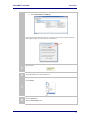
The wireless interface and security must be
configured before configuring the Ethernet
settings.
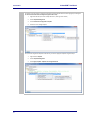
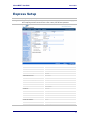
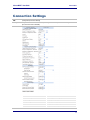
A page showing the configuration options for
TCP/IP and UDP connections to the device.
Configuration of Telnet, HTTP and SSH ports
is possible through this page.
Press Commit [Button]
Saves changes to the device.
Press Reload [Button]
Reloads the Connection Settings page.