1
Presentation tools
PC-LESS Presentation (continued)
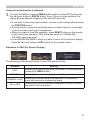
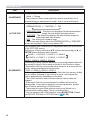
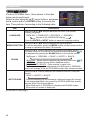
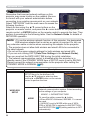
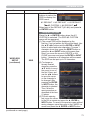
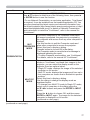
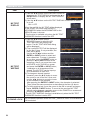
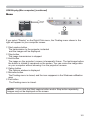
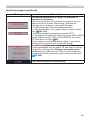
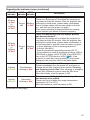
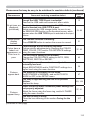
Operating by the menu on the Thumbnail screen
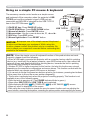
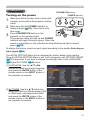
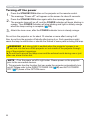
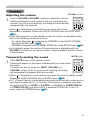
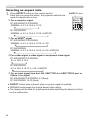
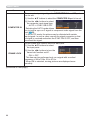
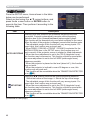
You can also control the images by using the menu on the Thumbnail screen.
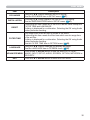
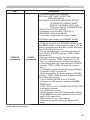
Item
Functions
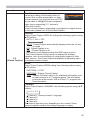
Moves to an upper folder.
SORT
RETURN
Allows you to sort files and folders as following.
Press the ► cursor button or ENTER to return to the Thumbnail
screen.
NAME UP
Sorts in ascending order by file name.
NAME DOWN
Sorts in descending order by file name.
DATE UP
Sorts in ascending order by file date.
DATE DOWN
Sorts in descending order.by file date.
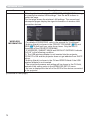
▲/▼
Go to previous / next page.
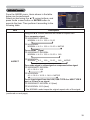
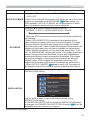
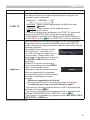
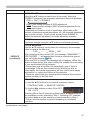
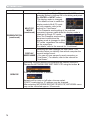
SLIDESHOW
Configures and starts the Slideshow (92).
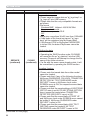
RETURN
Press the ► cursor button or ENTER to return to the Thumbnail
screen.
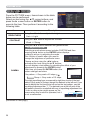
PLAY
Press the ► cursor button or ENTER to start the Slideshow.
START
Sets the beginning number of the Slideshow.
STOP
Sets the end number of the Slideshow.
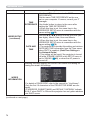
INTERVAL
Sets the interval time for displaying still images during the
Slideshow.
PLAY MODE
Selects the Slideshow mode.
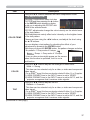
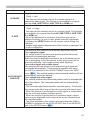
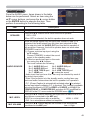
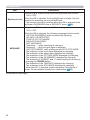
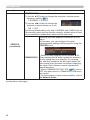
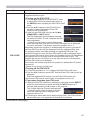
INPUT
Switches the input port.
MENU
Displays the menu.
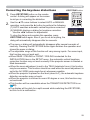
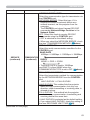
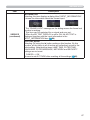
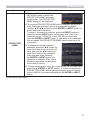
REMOVE USB
Be sure to use this function before removing USB storage device
from the projector. After that, the projector will not recognize a
USB storage device until you insert it again into the USB TYPE A
input port.
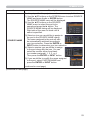
/
88
Turns the sound on/off for files that contain audio data.