1
OPERATION CONT’D
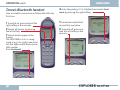
Tenovis Bluetooth handset
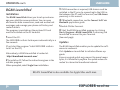
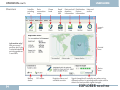
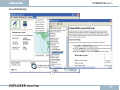
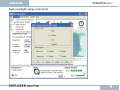
How to establish connection with Nera WorldPro the
first time:
USER GUIDE
4 Enter the passkey: 0 0 0 0 (default) and select Enrolment by pressing the right softkey:
1 To switch on, press and hold the
5 Connection established
right softkey a few seconds.
successfully, see below.
2 Search all devices by pressing
the left softkey.
6 To switch off, press and
3 Device details appear in the
hold the left softkey a few
seconds.
display.
The EXPLORER 100/110 is recognized as e.g. E110 03487, where the
last five digits match the terminal
IMEI number.
Press Enrolment
48
EXPLORER 100/110