1
Chapter 8 — WCDMA Commands
8-12
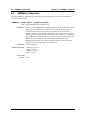
[:SENSe] Subsystem
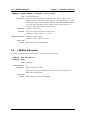
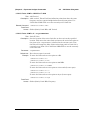
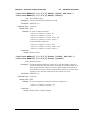
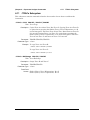
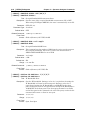
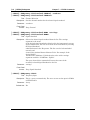
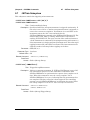
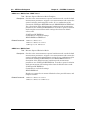
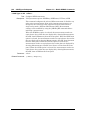
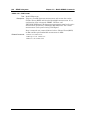
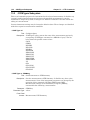
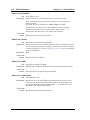
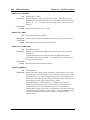
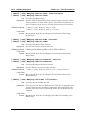
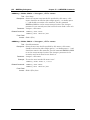
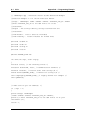
[:SENSe]:OTA:RESet
Title: OTA Reset
Description: This command forces the instrument to reset the over-the-air
measurement and start fresh without any history. When the auto
scrambling code feature is ON the RESet command will clear the list of
scrambling codes and attempt to detect new codes. When the auto
scrambling code feature is OFF the RESet command will force the
instrument to take new measurements for all of the user-selected
scrambling codes.
Front Panel
Access: Measurements, Over-the-Air, Scrambling Code, Code Lock Reset
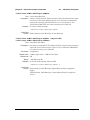
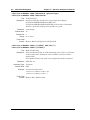
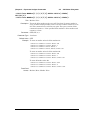
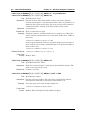
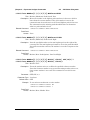
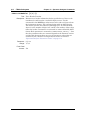
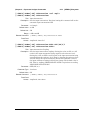
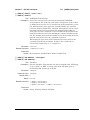
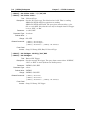
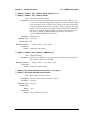
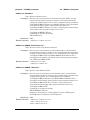
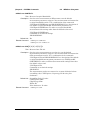
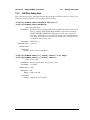
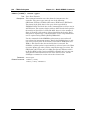
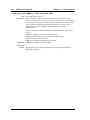
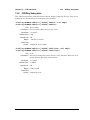
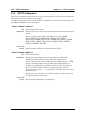
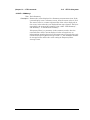
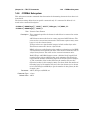
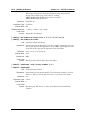
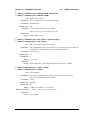
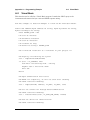
[:SENSe]:OTA:SCODe:AUTO OFF|ON|0|1
[:SENSe]:OTA:SCODe:AUTO?
Title: Automatic OTA Scrambling Code Detection
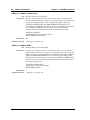
Description: Sets the state of the automatic scrambling code detection feature.
Setting the value to ON or 1 will result in the scrambling codes being
set to the codes of the strongest detected signals. That is, the
instrument will detect the strongest signals present. Setting the value
to OFF or 0 will force the instrument to base all over-the-air
measurements on the user-selected scrambling code values. The default
value is ON. That is, sending :SENS:DEM:OTA:SCOD:AUTO is
equivalent to sending :SENS:DEM:OTA:SCOD:AUTO ON.
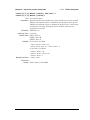
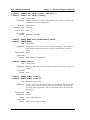
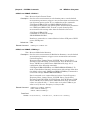
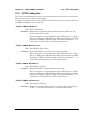
Parameter: OFF|ON|0|1
Parameter Type: <boolean>
Default Value: ON
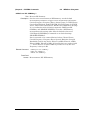
Related Command: [:SENSe]:DEMod:OTA:SCODe
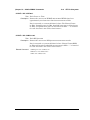
Front Panel
Access: Measurements, Over-the-Air, Scrambling Code, Scrambling Code
(Auto)
MS2720T PM
PN: 10580-00341 Rev. C
8-55