1
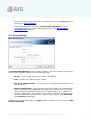
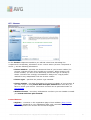
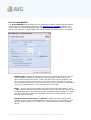
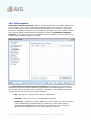
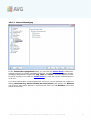
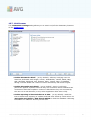
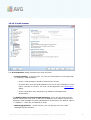
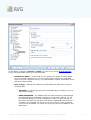
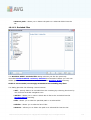
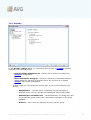
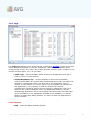
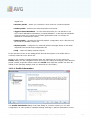
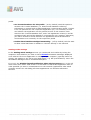
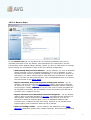
In this dialog (opened via Servers / POP3) you can set up a new E-mail Scanner
server using the POP3 protocol for incoming mail:
· POP3 Server Name - in this field you can specify the name of newly added
servers (to add a POP3 server, click the right mouse button over the POP3
item of the left navigation menu). For automatically created "AutoPOP3" server
this field is deactivated.
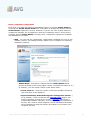
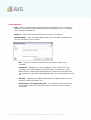
· Type of login - defines the method for determining the mail server used for
incoming mail:
o Automatic - Login will be carried out automatically, according to your email client settings.
o USER/COMPUTER - the simplest and the most frequently used method
for determining the destination mail server is the proxy method. To use
this method, specify the name or address (or also the port) as part of
the login user name for the given mail server, separating them with the /
character. For example, for the account user1 on the server pop.acme.
com and the port 8200 you would use user1/pop.acme.com:8200 for the
login name.
A V G 9 A nti V irus plus Firewall © 2 0 1 0 C opyright A V G T ec hnologies C Z, s .r.o. A ll rights res erved.
112