1
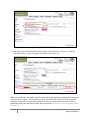
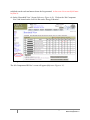
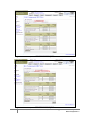
Figure 4-1A: Client Search Screen
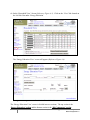
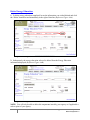
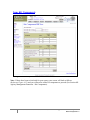
3. Select the correct client from the Search Results section (Reference Figure 4-2) and the
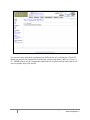
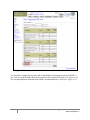
‘Household View’ screen will appear next (Reference Figure 4-3).
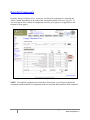
Figure 4-2: Client Search Screen – Search Results
Note: ‘Search Results’ are displayed for the first 100 records randomly matching the criteria you
enter in a given ‘search’. A list resulting of up to 100 individual result records are generated
randomly. If specific search criteria entered will result in a more than 100 matches, utilize a
redefined search result and narrow down the list generated. At least one client search field must
be filled in.
155
ENERGY ASSISTANCE OPUS User Manual, Section 4 – Energy Education / Kit Components
Data Classification: 2