1
Note: All the illustrations, simulated screen and related images used in this manual are for
reference only. There may be slight difference between the handset and keys and content
of display used in this manual and those of your handset. Please refer to your handset for
actuality
Get started
First steps to operating your phone
SIM card information
When you subscribe to a cellular network, you receive a plug-in SIM (Subscriber Identity Module) card
loaded with your subscription details, such as your PIN, and available optional services.
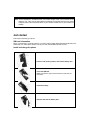
Install and charge the phone
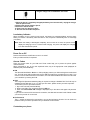
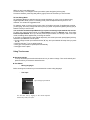
Push the side opening button and remove battery door
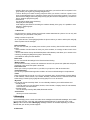
Insert the SIM card
Make sure that the gold-colored contacts on the card are
face down.
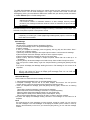
Install the battery
Replace and lock the battery door