1
2.5
System Check
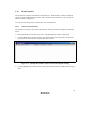
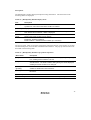
When the HDI program is executed, check that the emulator operates correctly according to the
following procedure:
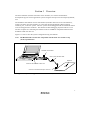
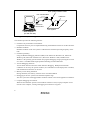
1. Check that the card emulator is inserted into the host computer.
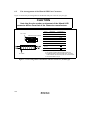
2. Connect the user system interface cable to the connector of the card emulator.
3. Connect the user system interface cable to the Hitachi-UDI port connector.
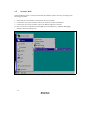
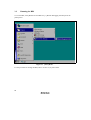
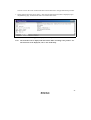
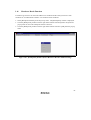
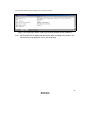
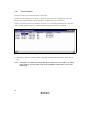
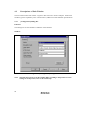
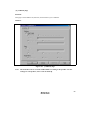
4. Power on the host computer and select [HDI for E10A H8Sxxxx] -> [Hitachi Debugging
Interface] from the [Start] menu.
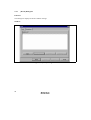
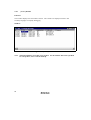
Figure 2.5 [Start] Menu
14