1
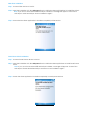
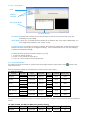
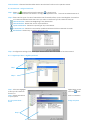
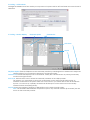
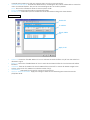
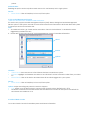
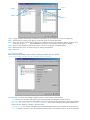
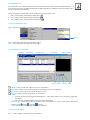
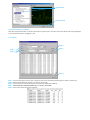
Step 2
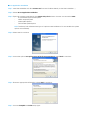
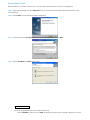
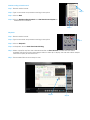
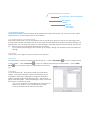
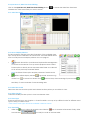
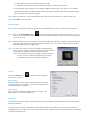
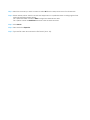
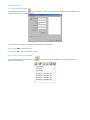
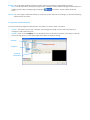
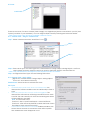
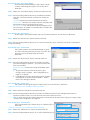
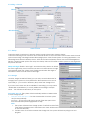
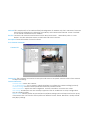
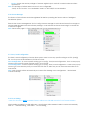
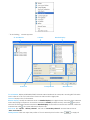
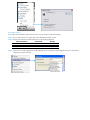
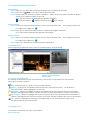
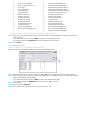
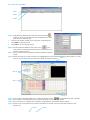
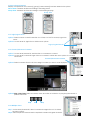
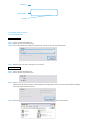
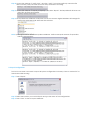
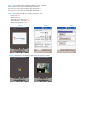
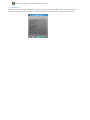
Step 1: Click and highlight System on the event type list, and click the
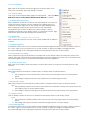
Step 2: There are four events, select the event you want to detect.
Insert Event icon.
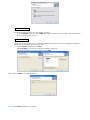
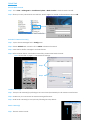
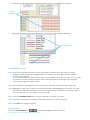
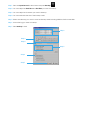
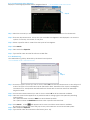
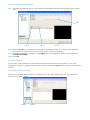
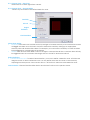
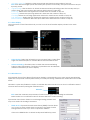
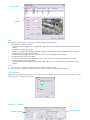
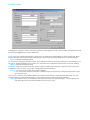
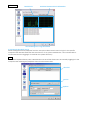
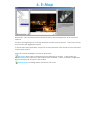
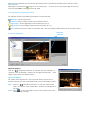
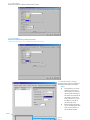
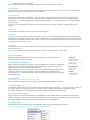
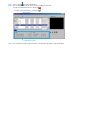
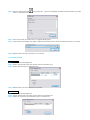
4.1.13 System Event - Disk Space Exhausted
This function alarms you when disk space is exhausted.
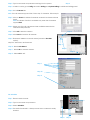
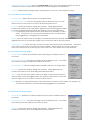
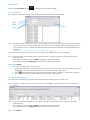
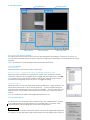
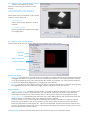
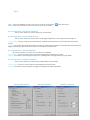
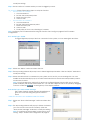
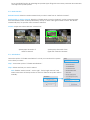
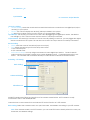
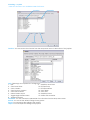
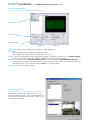
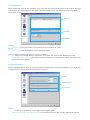
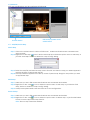
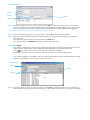
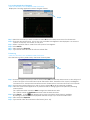
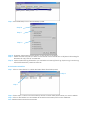
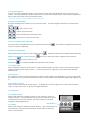
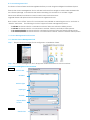
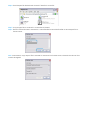
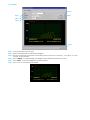
4.1.14 System Event - System Health Unusual
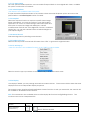
This function alarms you when CPU is under high temperature or fan speeds are running low.
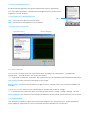
Current Status: Displays current CPU temperature, Motherboard Temperature, Fan Speed and Power fan
speed.
Options: Check the Temperature Format for Celsius or Fahrenheit; fix maximum motherboard temperature for
High Temperature Alarm and minimum RPM for Power Fan Speed Alarm.
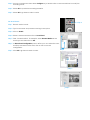
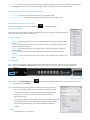
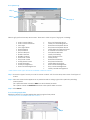
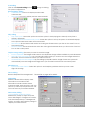
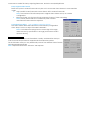
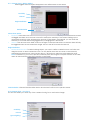
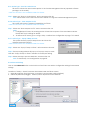
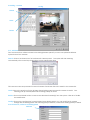
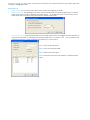
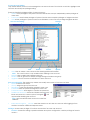
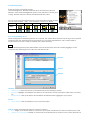
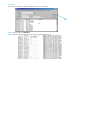
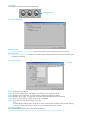
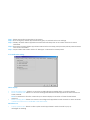
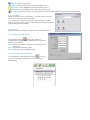
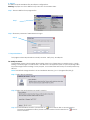
4.1.15 System Event – Resource Depleted
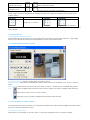
This function alarms you when CPU or memory is depleted.
Current Status: Shows you the current Total CPU Loading and Total Memory Usage.
Options: Fix maximum percentage for High CPU Loading Alarm and High Memory Usage Alarm.
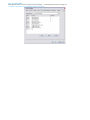
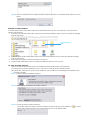
4.1.16 System Event – Network Congestion
This function alarms you when network bandwidth is overloaded.
Current Status: Shows you the current Total Upload/Download bit rates.
Options: Fix maximum bit rate (Kbps) for High Upload/Download Bit rate Alarms.
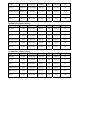
System Health Unusual
Resource Depleted
Network Congestion