1
DVD Menu
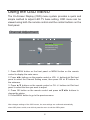
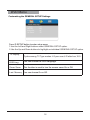
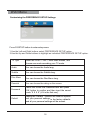
Customizing the GENERAL SETUP Settings
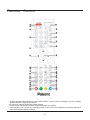
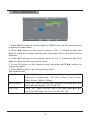
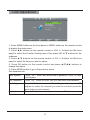
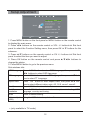
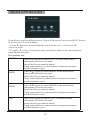
Press D.SETUP button to enter setup menu
1.Use the Left and Right buttons select GENERAL SETUP option.
2.Use the Up and Down buttons to highlight an individual GENERAL SETUP option.
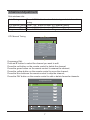
TV Display
Cycles among TV Type modes: 4:3 pan scan,4:3 letter box,16:9 .
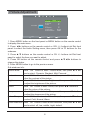
OSD Ling
You can choose the OSD Language.
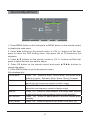
Sreen Saver
This function is used to turn the screen saver On or Off.
Last Memory You can choose On or Off.
16