1
filename[D:\WORKS\Mavica\3rd\3066743111\3066743111MVCFD97UC\02GBMVCFD97UC\04bas.fm]
masterpage:Left
01cov.book Page 18 Wednesday, January 17, 2001 9:10 AM
Basic operations
B Recording
Recording still images
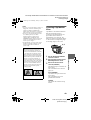
Still images are recorded in JPEG format.
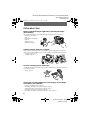
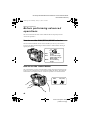
To record still images, slide the POWER switch to the right to turn on the power and
insert a floppy disk or a “Memory Stick.”
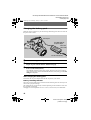
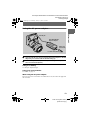
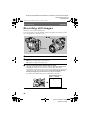
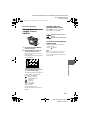
3, 4
Access lamp
1
2
1
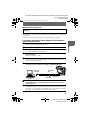
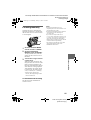
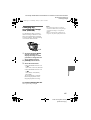
Set the PLAY/STILL/MOVIE selector to STILL.
2
Select the recording media using the MS/FD selector.
MS: When recording on the “Memory Stick.”
FD: When recording on the floppy disk.
3
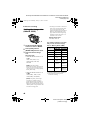
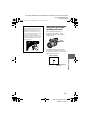
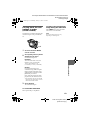
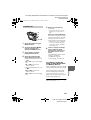
Press and hold the shutter button halfway down.
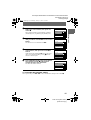
The beeps sound and the image is frozen. However, the image has not been
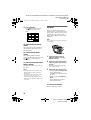
recorded yet. While the AE lock indicator z is flashing, the camera
automatically adjusts the exposure and focus of the captured image. When the
camera finishes the automatic adjustments, the AE lock indicator z stops
flashing, then lights up, and the camera is ready for recording.
If you release the shutter button, the recording will be canceled.
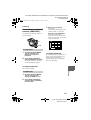
AE lock indicator (green)
flashes t lights up
18
model name1[MVC-FD97]
[3-066-743-11(1)]