1
NON-CINEMA OPERATION
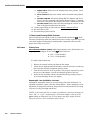
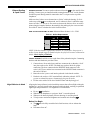
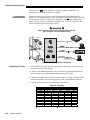
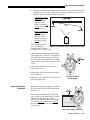
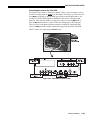
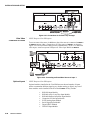
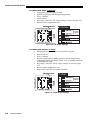
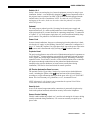
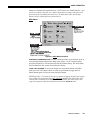
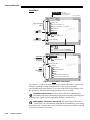
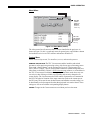
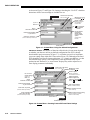
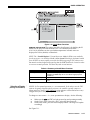
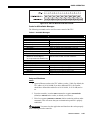
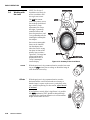
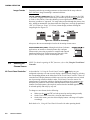
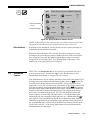
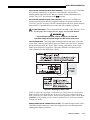
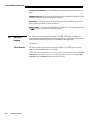
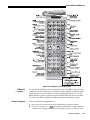
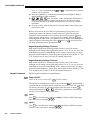
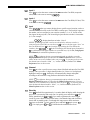
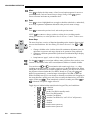
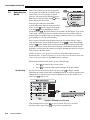
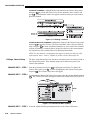
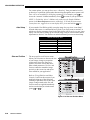
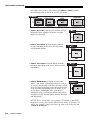
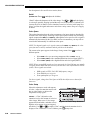
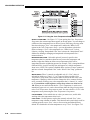
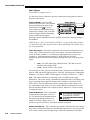
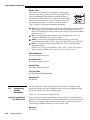
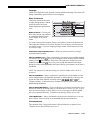
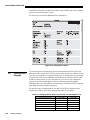
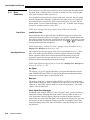
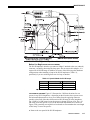
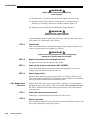
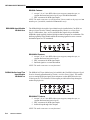
Figure 5.17. Using the Color Temperature Setup Menu
SELECT COLOR TEMP –
See Figure 5.17. Upon opening the Color Temperature
Setup menu, the current temperature appears as the top option. You can change to
a different color temperature here as desired, just as in the Image Settings menu.
Note that selecting a “User” color temperature, enables the “White Level”
options in the Color Temperature Setup—you can adjust them as desired to
define or change a “User” color temperature (see “White Levels”, below).
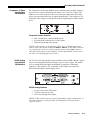
Likewise, selecting “Interpolated Color” here activates the “Interpolated Color”
slidebar for defining or changing an interpolated color temperature for a
connected source.
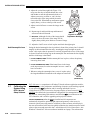
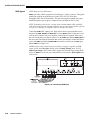
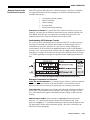
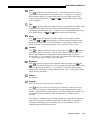
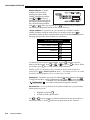
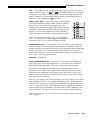
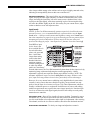
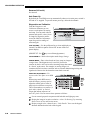
INTERPOLATED COLOR – Select this option if you need a specific color
temperature that lies somewhere between one preset color temperature and
another. Adjust the slidebar to define a new temperature which will be
interpolated from the neighboring presets (for example, 7841 is interpolated from
6500 and 9300). It can be used any time and appears as a 4-digit temperature
when in use. NOTE: This option is disabled unless you have a source connected
and have selected “Interpolated Color” in the “Select Color Temp” pull-down
list.
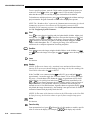
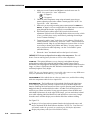
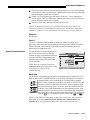
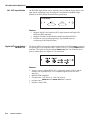
WHITE LEVELS –These
3 controls are adjustable only if a “User” choice is
selected (in which case “User 1, 2, 3 or 4” appears at the top of the Color
Temperature Setup menu). Their current values are shown for the active color
temperature. Changing a white level here changes the drive (contrast) for that
color, essentially creating a new color temperature that is “warmer” or “cooler”
etc. For maximum overall brightness, always keep at least one white level at
100. When you are satisfied with the new “User” temperature, it can be used
immediately upon exit or it can be selected from either the Image Settings menu
or the Color Temperature Setup menu as usual. You can re-define a “User” color
temperature at any time using the Color Temperature Setup menu.
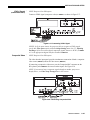
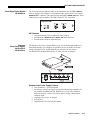
COLOR ENABLE – Select which color or colors you want to see, useful while
working with color temperature white levels.
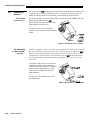
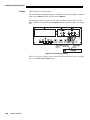
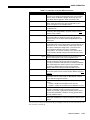
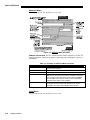
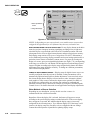
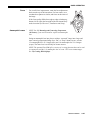
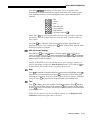
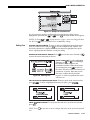
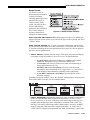
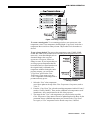
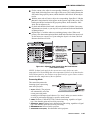
COPY FROM –
Use this option to replace the currently selected “User” color
temperature setup with that of another. This function can be particularly useful as
a starting point for a new “User” color, or for accessing an unaltered factory
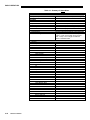
default. It is disabled for all color temperatures except “User”. See Figure 5.18.
5-30
DCP User’s Manual