1
QUINTUSVISUALS® FOR TIBCO SPOTFIRE®
3.8
USER MANUAL
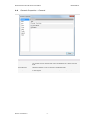
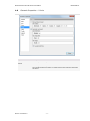
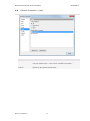
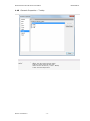
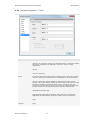
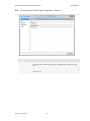
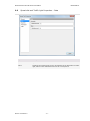
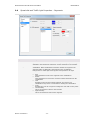
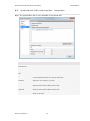
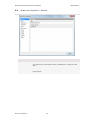
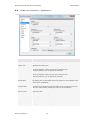
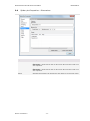
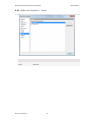
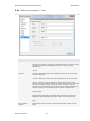
Spider plot Properties – Fonts
Option
Description
Settings for
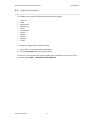
Lists all items for which you can change the font settings. Click to select an
item in the list to change the font settings for that text in the visualization.
Font
Specifies the font to use for the selected items.
Font style
Specifies the font style to use for the selected items.
Size
Specifies the font size to use for the selected items.
Quintus consultants b.v.
- 32 -