Download DS 3478

Transcript
xvi DS 3478 Product Reference Guide
Notational Conventions
The following conventions are used in this document:
•
•
•
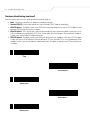
Bullets (•) indicate:
• action items
• lists of alternatives
• lists of required steps that are not necessarily sequential.
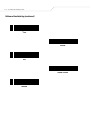
Sequential lists (e.g., those that describe step-by-step procedures) appear as numbered lists.
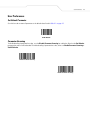
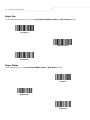
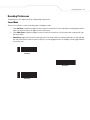
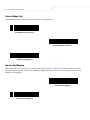
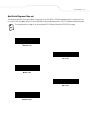
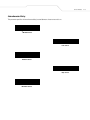
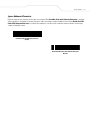
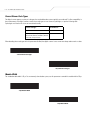
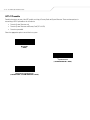
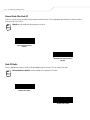
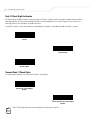
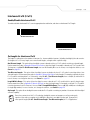
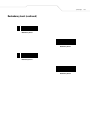
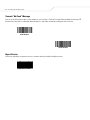
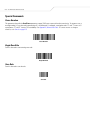
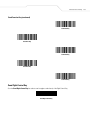
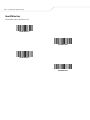
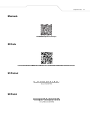
Throughout the programming bar code menus, asterisks (*) are used to denote default parameter settings.
* Indicates Default
*Baud Rate 9600
Feature/Option
Related Publications
The DS 3478 Quick Start Guide (p/n 72-72130-xx) provides general information for getting started with the digital scanner, including
basic setup and operation instructions.
For the latest versions of the DS 3478 Quick Start Guide and the DS 3478 Product Reference Guide go to:
http://www.symbol.com/manuals.
Service Information
If you have a problem with your equipment, contact the Symbol Support Center. Before calling, have the model number, serial number,
and several of your bar code symbols at hand.
Call the Support Center from a phone near the scanning equipment so that the service person can try to talk you through your problem.
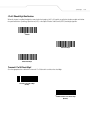
If the equipment is found to be working properly and the problem is symbol readability, the Support Center will request samples of
your bar codes for analysis at our plant.
If your problem cannot be solved over the phone, you may need to return your equipment for servicing. If that is necessary, you will
be given specific directions.
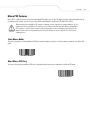
Symbol Technologies is not responsible for any damages incurred during shipment if the approved shipping
container is not used. Shipping the units improperly can possibly void the warranty. If the original shipping
container was not kept, contact Symbol to have another sent to you.