1
140 Camera, Multimedia, and Documents
Tip
You can easily switch to the other capture mode while you are in Camera or
Camcorder. Refer to “Capture modes” in this chapter for details.
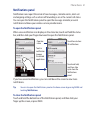
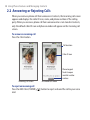
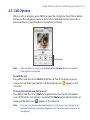
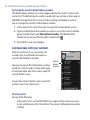
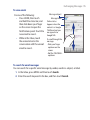
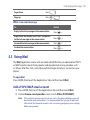
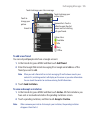
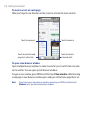
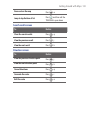
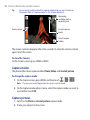
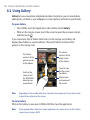
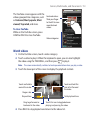
Remaining
available shots or
recording time
Zoom control
Current capture
mode
Touch to open
Gallery
The camera controls disappear after a few seconds. To show the camera controls
again, touch the screen.
To close the Camera
On the Camera screen, press HOME or BACK.
Capture modes
The phone offers three capture modes: Photo, Video, and Contact picture.
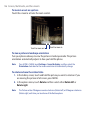
To change the capture mode
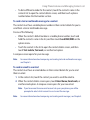
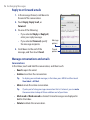
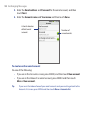
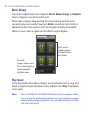
1. On the Camera screen, press MENU and then touch
/
/
.
Note The icon you see will depend on the current capture mode.
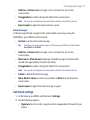
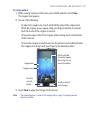
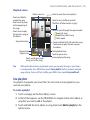
2. On the Capture mode options menu, select the capture mode you want to
use and then touch OK.
Capture pictures
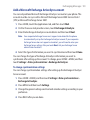
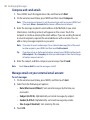
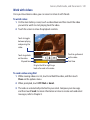
1. Switch to the Photo or Contact picture capture mode.
2. Frame your subject on the screen.