1
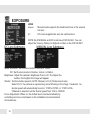
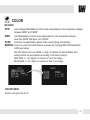
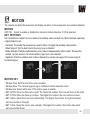
EXPOSURE
LENS
Manual
DC
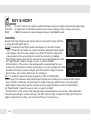
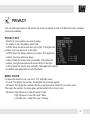
DC Lens Submenu
Manual mode supports the fixed board lens or the manual
iris lens.
DC mode supports the auto-iris varifocal lens.
NOTE: Bo h MANUAL and DC mode have FOCUS ADJ. You can
adjust the focus by finding he highest number on the FOCUS SET.
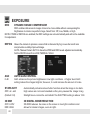
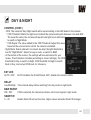
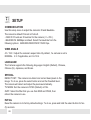
MANUAL Lens Submenu
Mode: MANUAL: Set the lens mode to Normal or Deblur.
DC: Set the lens mode to Outdoor, Indoor, or Deblur.
Brightness: Adjust the camera’s brightness from 0~20. The higher the
number, the brighter the image will appear.
Shutter: Set the shutter speed to AUTO, Manual, or FLC (Flicker-less mode).
Select FLC if he camera is experiencing some flickering in the image. If selected, he
shutter speed will automatically be set to 1/100 for NTSC, or 1/120 for PAL.
If Manual is selected, set the shutter speed from 1/60 to 1/60000.
Focus Adjustment: When on, the default level is set automatically by
controlling lens focus and based on the installation and environment
circumstances.
18