1
Chapter 4: Using Utility to Setup IP & Update Firmware
Chapter 4: Using Utility to Setup IP & Update Firmware
Section 1. Installing Utility
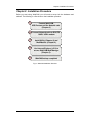
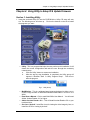
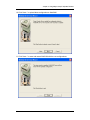
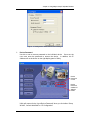
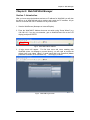
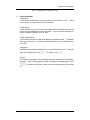
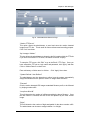
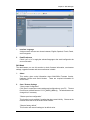
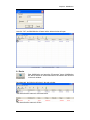
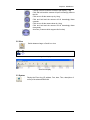
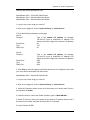
1. Insert the enclosed Utility CD into the CD-ROM drive. Utility CD setup will auto
run. The following menu will show up. Click on the buttons on the left to install
the programs you want.
" Utility - This is a program that helps the user perform quick installation. It will
detect the current configuration and take the user through the necessary
network setup.
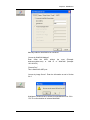
a.
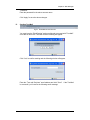
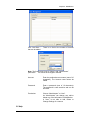
Click the ‘Utility’ button to commence installation.
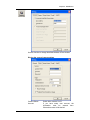
b.
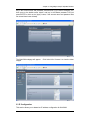
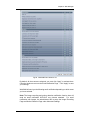
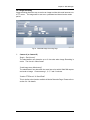
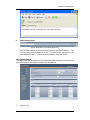
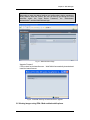
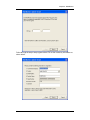
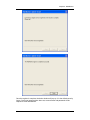
After the step by step installation is completed, the Utility group will
appear in Windows ’Start’ Æ Utility ‘Program Group’. Click this to
start the program.
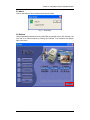
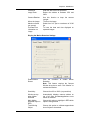
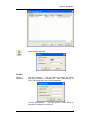
Fig.7. Utility Group
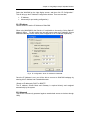
" MultiMonitor - This is a windows based program designed to allow user to
control a large number of WebCAM websites located either in a LAN or on a
WAN.
" Read User’s Manual - Click to read WebCAM's User Manual. You will need
Adobe Acrobat Reader v5.0 or higher.
" Adobe Acrobat Reader v5.0 - This will install Acrobat Reader v5.0 on your
local hard drive.
" Sun Jave / ActiveX - Install Sun Java for viewing the video image by Java, or
install the OCX for viewing by ActiveX.
WebCAM user manual
-7-