1
7
Settings Before Recording
Before recording using anything on your monitor screen using Game Recording, Video recording or Audio
recording, you will need to set some options essential for recording
1. Audio Device:
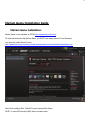
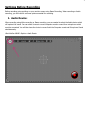
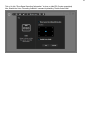
When recording using Video recording or Game recording, you are needed to select the Audio device which
will capture the sound. You can either choose to record computer sound or sound from microphone which
must be connected. You will also have the choice to record both the Computer sound and Microphone Sound
simultaneously.
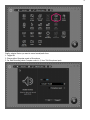
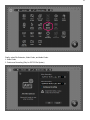
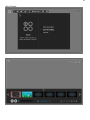
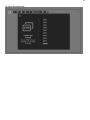
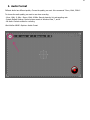
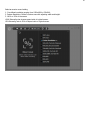
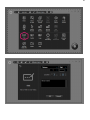
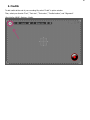
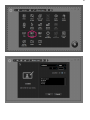
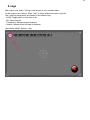
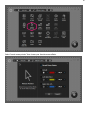
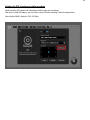
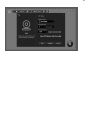
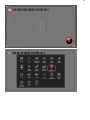
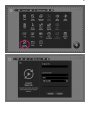
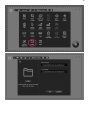
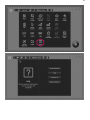
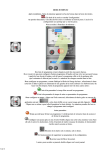
Start liteCam GAME> Option> Audio Device