1
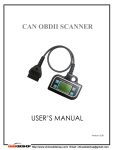
CAN OBDII SCANNER User’s Manual
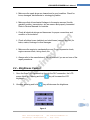
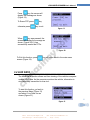
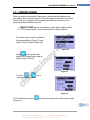
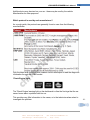
Figure 48
Figure 49
34
Figure 50
Note:
oy
.co
m
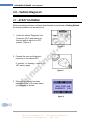
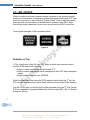
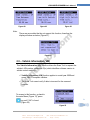
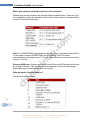
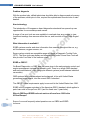
There are car models that do not support this function; therefore the
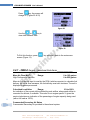
display will show as below (Figure 51).
Figure 51
in
3.9 – Vehicle Information (VIN)
in
as
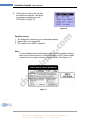
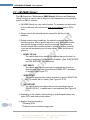
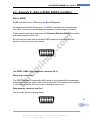
This Vehicle Information (VIN) function allows the Scan Tool to request the
vehicle’s VIN number, calibration ID(s) which identifies software version in
vehicle control module(s).
ch
✓ Vehicle Information (VIN) function applies to model year 2000 and
newer OBD II compliant vehicles.
✓ The Scan Tool cannot verify if data is incorrect for the scanned
vehicles.
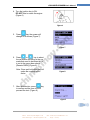
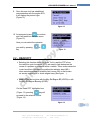
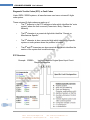
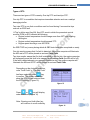
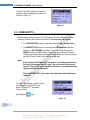
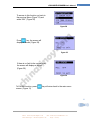
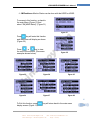
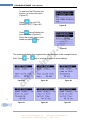
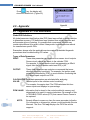
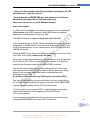
To access to this function, go back to
the main Menu (Figure 13), press
34
key until “VIN” is found.
(Figure 52)
Figure 52
Do-It-Auto
CAN OBDII SCANNER
Email: [email protected]
MSN: [email protected]
Yahoo Messenger: [email protected]
Skype: cnsinoy