1
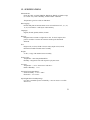
A series of dashes appear in the display if one of the following occur:
• the Heat Index or Humidex is outside of its allowable range
• the temperature is outside of its allowable range
• a temperature sensor has failed
• stay times temperatures are outside of the their defined range
STAY TIME DATA
The screen(s) displaying stay time data appear different for each of the
possible indices.
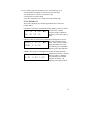
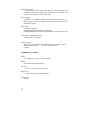
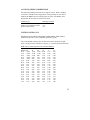
If ACGIH is selected, the recommended working minutes per hour are shown
each of the workload
L M H VH ►1 for
categories Light (L), Moderate
(M), Heavy (H), and Very Heavy
60 45 30 15
(VH).
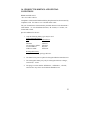
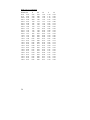
If the Navy Phels are selected, the recommended working hours are shown
based on a maximum of eight
PHEL_5 3:10 ►1 hours. Three screens are used to
display the PHELs two at time.
PHEL_6 2:10
8:01 following one of the PHELs
indicates greater than eight hours.
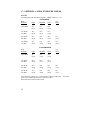
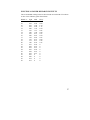
If EPRI is selected, the recommended working hours are shown based on a
maximum of four hours. Working
L
M
H ►1 hours for Light (L) , Moderate
(M), and Heavy (H) workload
4:01 3:00 1:30
categories are shown. 4:01
indicates greater than four hours.
11