1
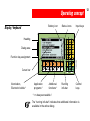
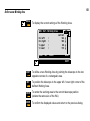
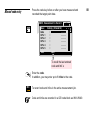
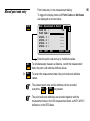
SetHz
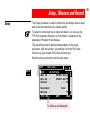
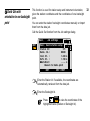
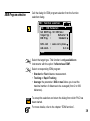
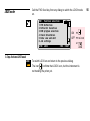
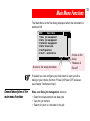
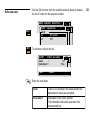
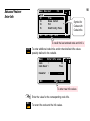
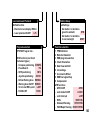
MAIN\ Set Hz to any angle
F4
N
12.1300 g
Hz=0 HOLD
=3
0.0
00
g
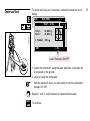
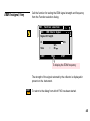
Set Hz-direction
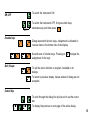
Hz
:
SET
MC
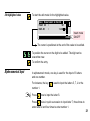
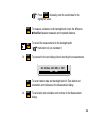
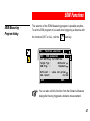
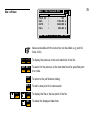
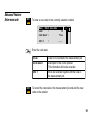
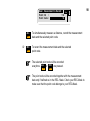
Call the dialog for setting the instrument orientation.
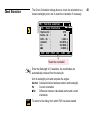
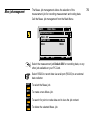
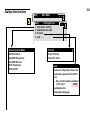
Orientation
im
uth
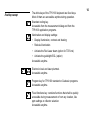
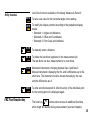
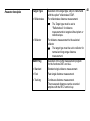
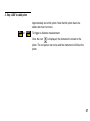
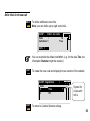
Aim to the backsight point.
SET
ST1
1100QS06
F1
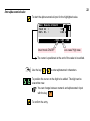
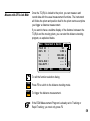
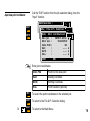
To set the orientation and return to the station data dialog.
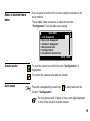
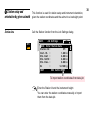
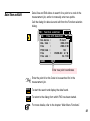
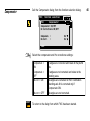
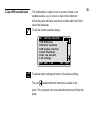
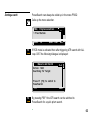
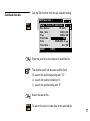
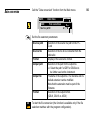
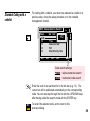
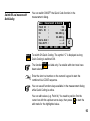
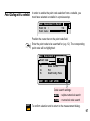
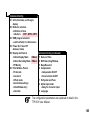
MAIN\ Enter Station Data
Station Id :
ST1
Inst. Ht. :
1.600 m
Stn. East :
4132.143 m
Stn. North :
3093.967 m
Stn. Elev. :
450.070 m
Hz
:
30.000 g
CONT
REC
F3
CONT
F1
MC
Az
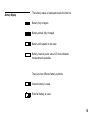
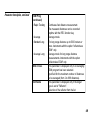
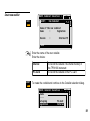
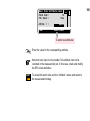
Enter the azimuth value (e.g. 30.0000g).
REC SetHz IMPOR
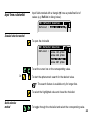
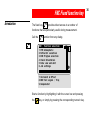
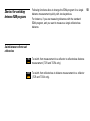
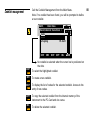
To record the station data in the measurement job (optional).
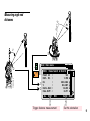
To set the station and continue to the measurement dialog.
31