1
4. Creating Reference Lists and Citations 49
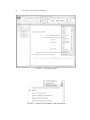
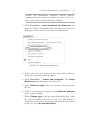
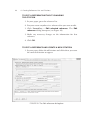
2. Click FormatEase > List/Copy/Edit References (see Figure
21 on page 46), select the reference you want to edit, and then
click Edit Reference.
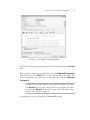
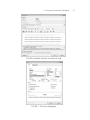
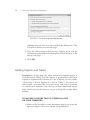
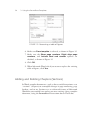
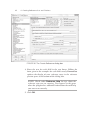
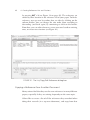
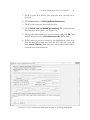
The Edit reference dialog box opens (see Figure 22).
3. Make your changes in the Edit reference dialog box and click
OK. You will be returned to the List references for: dialog
box.
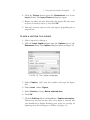
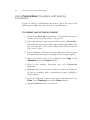
4. Click on the reference you just edited. Under Insert Citation
at the bottom left of that dialog box, type the page numbers
and select the citation type.
5. Click Insert Citation.
Editing Citations
There are a few occasions when you might need to edit only the
citation text inserted by FormatEase.
The following are special cases to be aware of:
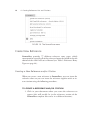
• If you are making more than one first-time citation within one
set of parentheses, you will need to delete the extra parentheses
added by FormatEase and insert semicolons between the
citations.
• When a citation does not include an author, FormatEase
inserts a shortened version of the title of the work, as specified
in the APA guidelines. However, you may want to change
FormatEase’s abbreviation, which you do right in the text
once FormatEase has inserted the original citation.