1
Sentinel User’s Manual
14.1.4
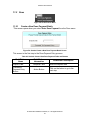
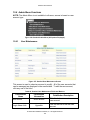
Select Format for Extract
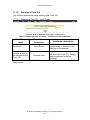
14.1.4.1 Output Formats
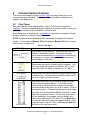
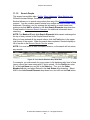
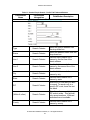
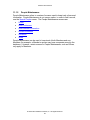
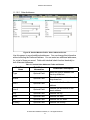
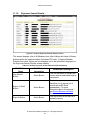
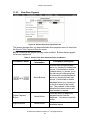
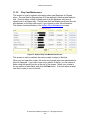
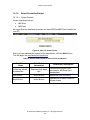
Output format options are:
MS Word
MS Excel
All output files are read/write, provided you have MS Word/MS Excel installed on
your PC.
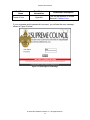
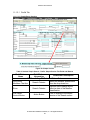
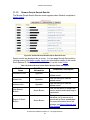
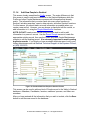
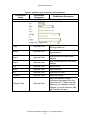
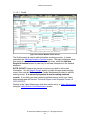
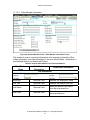
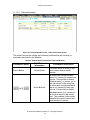
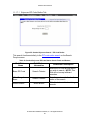
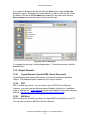
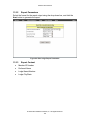
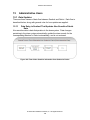
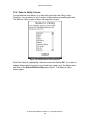
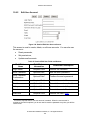
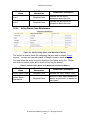
Figure 98: Select an Output Format
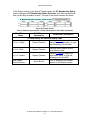
After you have selected the format for the data extract, click the Next button.
This will begin the save/download procedure.
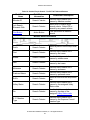
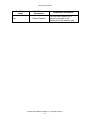
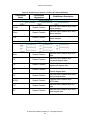
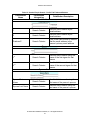
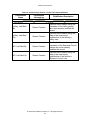
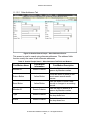
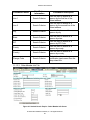
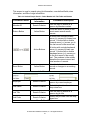
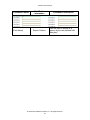
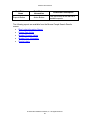
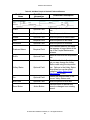
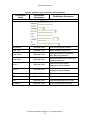
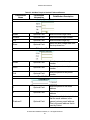
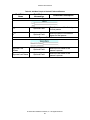
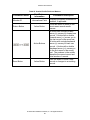
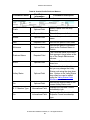
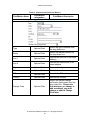
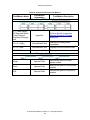
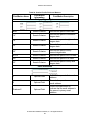
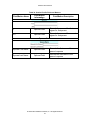
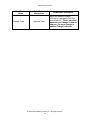
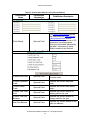
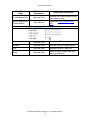
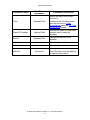
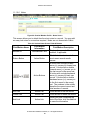
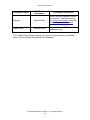
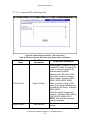
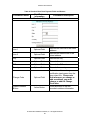
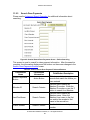
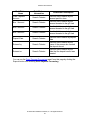
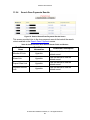
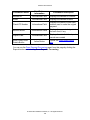
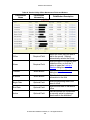
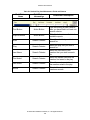
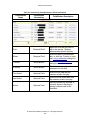
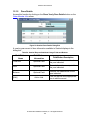
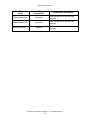
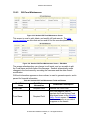
Table 63: Sentinel Select Fields for Extract Fields and Buttons
Field/Button
Name
Field/Button
Information
Field/Button Description
Selection Drop-down
Box
Choose MS Word for a text
document or MS Excel for a
spreadsheet.
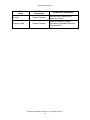
Next Button
Action Button
Begins the save procedure
Back Button
Action Button
Returns you to Select Fields for
Extract screen
Output my extract
formatted as:
© 2004 Patriot Software Solutions, Inc. All Rights Reserved.
134