1
FOURSTAR Electronic Technology Co., Ltd. DeYang China
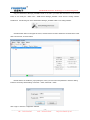
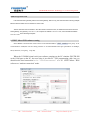
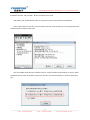
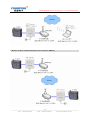
Run the VCOMM virtual serial port software on the PC, set the simulated virtual serial port on the PC. Select
VCOMM as Server (server side) mode, accept client connection. Choose the device detector to create a virtual
serial port.
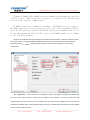
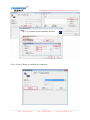
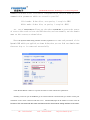
Add a new virtual serial port, the monitoring IP address = PC IP address, client mode device try to connect the
port = VCOMM software port, this is 8000.
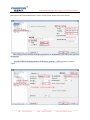
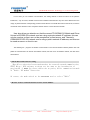
Click OK and exit the software and re-run VCOMM, server side VCOMM will accept as many as client side
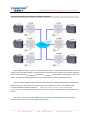
FS-ETH-PPI connections, and it’s unlimited. A new serial port COM3 will appear on the PC after the connection
is established. And this serial port will also appear in the Windows System Device Manager, then you can choose
this serial port in your applications,like STEP7 Micro/WIN.
___________________________________________________________________________________________________
- 21 TEL:+86-838-2515543
FAX:+86-838-2515546
http://www.fourstar-dy.com