1
2. A quick tour
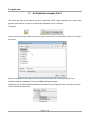
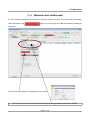
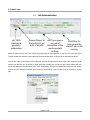
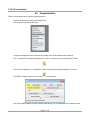
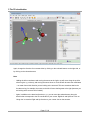
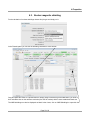
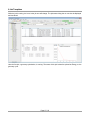
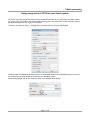
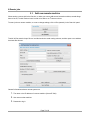
Click through the Job type options to see what kind of jobs are supported by TmoleX.
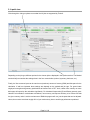
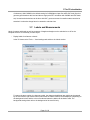
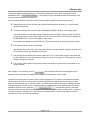
Depending on the job type, different options for the chosen job are displayed in the Options section. The Method
section briefly summarizes the settings done in the four menus before (method, symmetry, basis set, etc.).
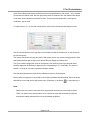
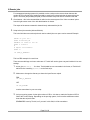
Finally, the 'Use resources' part can be used to set (maximum) amount of memory (RAM) and disk space for the
calculation. If and how important those settings are depends on the method and job type. For ground state
single-point energies and geometry optimizations at Hartree-Fock or DFT level, neither more memory nor more
disk space will speed up the calculation significantly. For vibrational frequencies (IR and Raman spectra), postHartree-Fock methods or excited state calculations, more memory can improve efficiency a lot. Please note that
the given memory value is not the total amount of RAM the program will use, just the parts that can be adjusted.
Hence, do not enter more than roughly 80% of your total memory here to avoid huge performance problems!
Page 21 / 85