1
Commissioning
7.4 Notes on operation
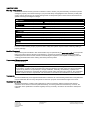
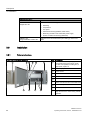
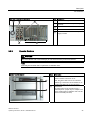
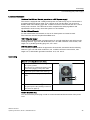
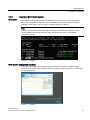
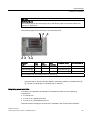
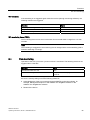
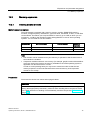
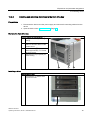
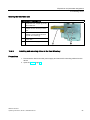
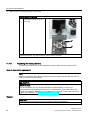
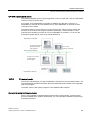
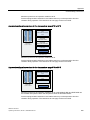
Removable rack lock ①
7.4.4
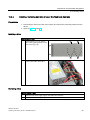
2HDD system (optional)
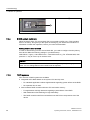
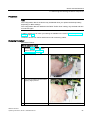
When the device ships, the second hard disk is connected to SATA port 2. This hard disk
drive is not set up. This gives you the option of backing up your data to this hard disk. For
information on hard disk capacities, refer to your order documentation.
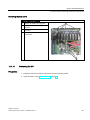
Booting from the slave hard disk
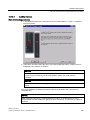
In order to allow booting from the second hard disk, you need to configure it as the primary
boot device. Make the following settings in your BIOS Setup:
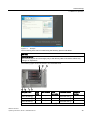
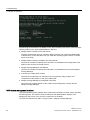
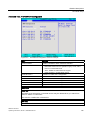
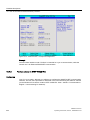
Select Boot > Legacy > Hard Disk Drive > <Hard disk name> e.g. P0- ST3500418AS, then
press the "+" key to move it up in the boot order.
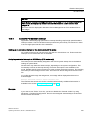
NOTICE
The drive letters for the partitions on both drives are assigned by the operating system
used. You can change these in the Control Panel as required.
7.4.5
RAID systems
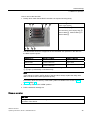
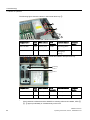
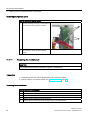
Two versions of RAID systems are available.
● Integrated SATA RAID based on the system CPU and chip sets:
– For standard applications without high demands regarding system effects of the RAID.
– No expansion slot is used.
● SAS hardware RAID controller with own CPU and cache memory:
– For applications with high demands regarding system effects of the RAID.
– With maintenance-free buffering for high data safety.
– The RAID controller with PCIe-x8 interface uses the PCIe-x16 expansion slot of the
device.
SIMATIC IPC847C
46
Operating Instructions, 06/2011, A5E02669184-03