Download SAS-E Man
Transcript
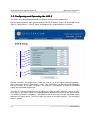
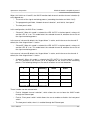
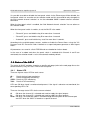
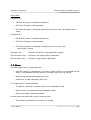
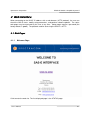
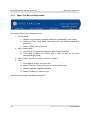
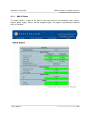
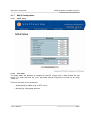
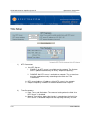
EPSILON Switch & Amplifier System E 4.1.2 Spectracom Corporation Upper Task Bar and Page Header Gives access to one of the following menus: 1. System Setup: a. Network setup: Network connection parameters (protected by a password) b. SNMP and Traps setup: SNMP parameters and traps enable (protected by password) c. Logout: Log out from the web site 2. SAS-E configuration a. SAS-E setup: Configure the equipment (protected by password) b. Time setup: Configure the system time in order to date the log event (protected by password) 3. SAS-E Status: Summary of status and alarms of SAS-E 4. Tools: a. Event logging: Display of event history b. Software Version: Display of current version of software parts c. Software upgrade: Upgrading software d. Reboot: Hardware or software reset Header time information: Provided by the SAS-E 4-2 User’s Manual