1
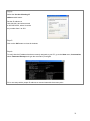
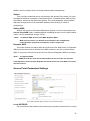
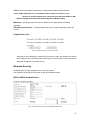
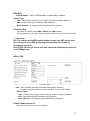
been correctly assigned to your
PC, go to the Start menu, select
Run, and enter the command:
winipcfg.
Select the Ethernet adapter from
the drop-down list and click OK.
PC is now setup with a proper IP address to communicate with the access point.
For Windows XP/2000
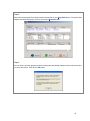
Step 1:
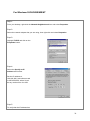
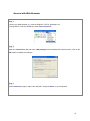
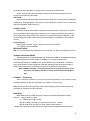
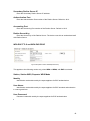
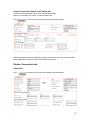
Go to your desktop, right-click on the My Network Places icon and select Properties.
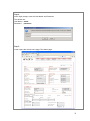
Step 2:
Right-click the network adapter
icon and select Properties.
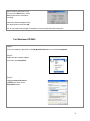
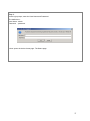
Step 3:
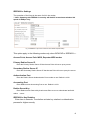
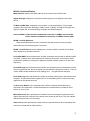
Highlight Internet Protocol
(TCP/IP) and click on the
Properties button.
21