1
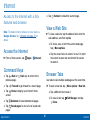
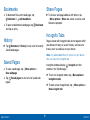
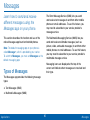
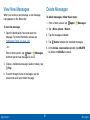
About Settings
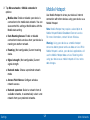
•
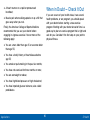
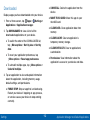
Some options are enabled or disabled by tapping
the ON/OFF button to turn the option ON ON or
OFF.
•
For some options, you must tap a field, such as
Email address, to display and set options.
•
Some options are enabled or disabled by tapping
a
check box. When enabled, a check mark
displays.
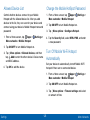
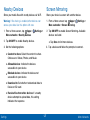
Access Settings
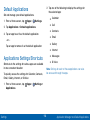
► From a Home screen, tap
Apps >
Settings.
– or –
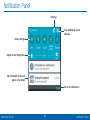
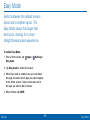
From a Home screen, drag down from the Status
Bar to display the Notification Panel, and then tap
Settings.
Settings
108
About Settings