1
2.
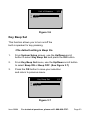
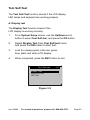
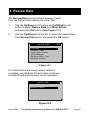
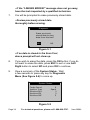
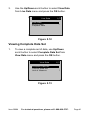
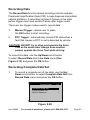
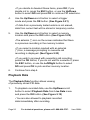
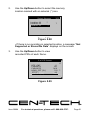
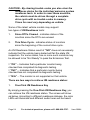
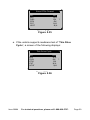
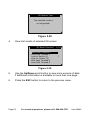
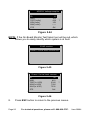
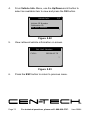
Use the Up/Down button to select the memory
location marked with an asterisk (*) icon.
Select Memory
Location #1
Location #2
Location #3
*
*
3/3
?
Figure
Figure5.28
5.28
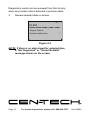
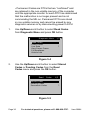
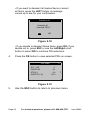
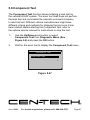
• If there is no recording in selected location, a message “Not
Supported or Stored No Data” displays on the screen.
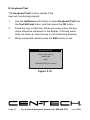
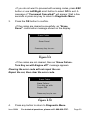
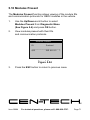
3.
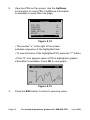
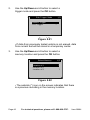
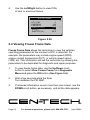
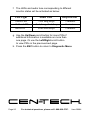
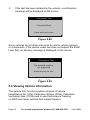
Use the Up/Down button to view
recorded PIDs of each frame.
1 of 135 frame
DTC_CNT
FUELSYS1
FUELSYS2
LOAD_PCT (%)
ETC( )
SHRTFT1(%)
…
6
0
OL
N/A
0.0 ?
-40
99.2
Figure 5.29
Item 60694
For technical questions, please call 1-888-866-5797.
Page 51