1
1.
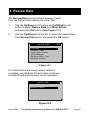
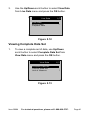
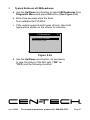
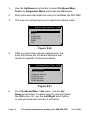
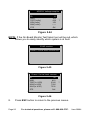
Use Up/Down scroll button to select Vehicle Info. from the
Diagnostic Menu and press OK button. (See Figure 5.4)
2.
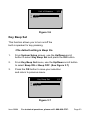
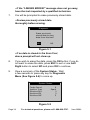
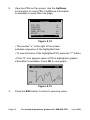
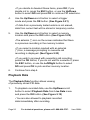
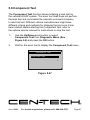
An advisory message comes up to remind you. Wait
a few seconds or press any key to continue.
Vehicle Info.
Turn key on
with engine off !
Press any key to con.
Figure 5.50
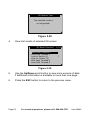
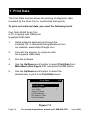
3.
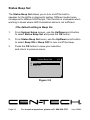
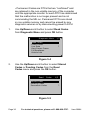
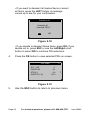
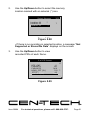
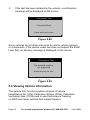
Wait a few seconds while the Scan Tool
reads vehicle information.
Wait a few seconds while the scan tool reads vehicle information
Vehicle Info.
Reading info…
- Please Wait -
Figure 5.38
Figure
5.51
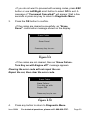
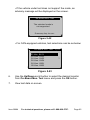
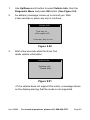
• If the vehicle does not support this mode, a message shows
on the display warning that the mode is not supported.
Item 60694
For technical questions, please call 1-888-866-5797.
Page 69