1
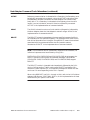
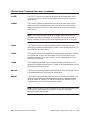
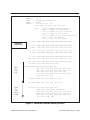
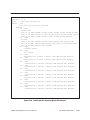
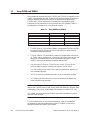
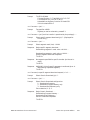
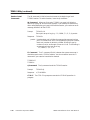
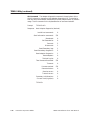
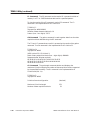
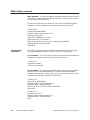
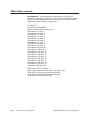
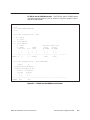
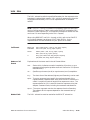
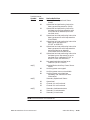
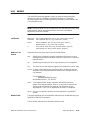
CW Command The CIM write command writes to consecutive image
register locations in the specified Secondary (valid for PM550s only).
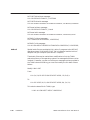
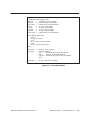
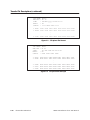
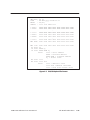
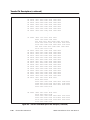
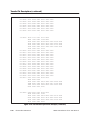
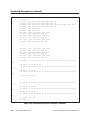
TIPROG> CW
Tag specifier: #0102010001
Number of data elements (decimal): 5
Data element ( 1) (hex): 1
Data element ( 2) (hex): 2
Data element ( 3) (hex): 3
Data element ( 4) (hex): 4
Data element ( 5) (hex): 5
Data element ( 6) (hex): 6
Data element ( 7) (hex): 7
Data element ( 8) (hex): 8
Data element ( 9) (hex): 9
Data element (10) (hex): 10
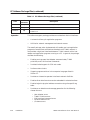
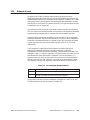
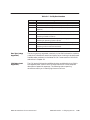
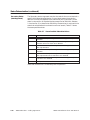
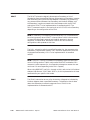
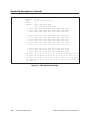
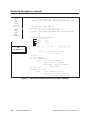
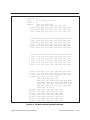
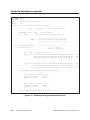
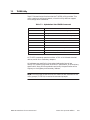
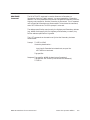
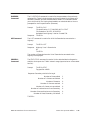
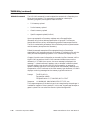
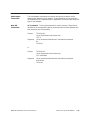
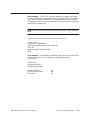
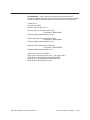
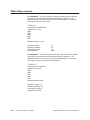
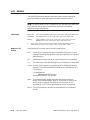
RL Command The read loop command reads loop parameters. You are
prompted for a loop number that determines the type of data returned (valid
for PM550s only). Possible responses are:
01
02
03
display only
tuning only
display and tuning
Notice that the combination of all loops and display and tuning combined is
not allowed.
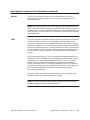
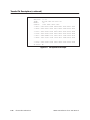
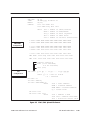
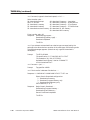
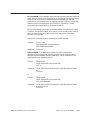
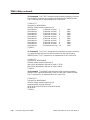
The first example below uses an ASCII string to respond to the tag specifier
prompt; the second uses a tag name.
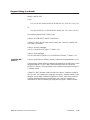
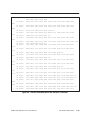
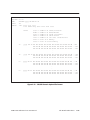
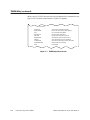
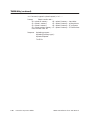
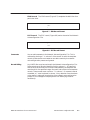
TIPROG> RL
Tag specifier: #0102
Loop number (decimal): 1
Requested loop data (decimal): 33
10 00 00 00 00 00 00 00 00 01 00 00 00 00 00 04
26 40 00 00 00 00 00 00
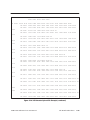
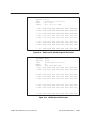
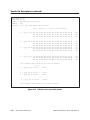
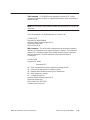
TIPROG> RL
Tag specifier: SETPT
Loop number (decimal): 1
Requested loop data (decimal): 03
10 03 EC 80 00 00 00 00 00 01 00 00 00 00 00 04
26 40 00 00 00 00 00 00 00 00 00 04 11 00 00 00
00 00 00 04 33 E7 FD 80
TIWAY Host Software for PC User Manual
Interactive Operator Utilities
7-33