1
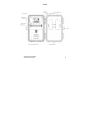
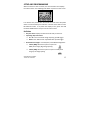
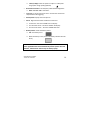
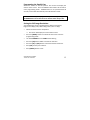
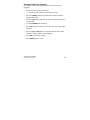
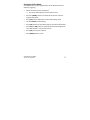
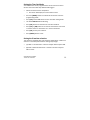
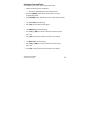
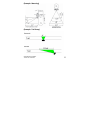
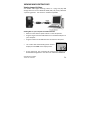
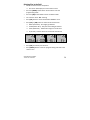
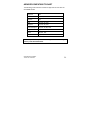
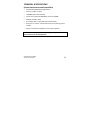
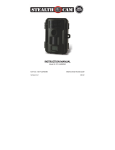
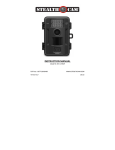
Using the camera in PIR detection mode • Mount the camera to the tree or other sturdy object using either a tree screw (optional accessory) or supplied mounting strap. • Open the front housing and move the switch to the ON position. At this point, you have 30 seconds to start making any program changes. To Capture Videos, make sure display reads VIDEO: • If display does not read VIDEO then, Ø Press the [MENU] button once. Ø The word CAMERA will blink. Ø Press the [UP] button TWO times to toggle to Video mode. Ø Press the [OK] button TWO times. Ø Press the [MENU] button once to exit. To Capture Images, make sure display reads CAMERA: • If display does not read CAMERA then, Ø Press the [MENU] button once. Ø The word CAMERA will blink. Ø Press the [UP] button ONE time to toggle to Camera mode. Ø Press the [OK] button TWO times. Ø Press the [MENU] button once to exit. WWW.STEALTHCAM.NET Toll Free 877-269-8490 24