1
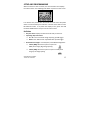
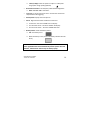
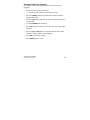
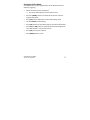
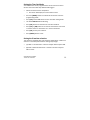
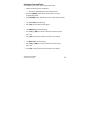
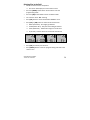
Deleting files in the field • Switch the camera to the ON position. Ø LCD screen will display the camera status screen. • Press the [MENU] button within 30 seconds to enter the programming mode. • Press the [DN] button ONCE to enter the delete mode. • You’ll see the word -‐ dEL -‐ blinking. • Press [OK] button to enter the DELETE & FORMAT menu. • Press [UP] or [DN] button to select the desired function. Ø NO-‐dL (No Delete) -‐ No images get deleted. Ø d-‐ONE (Delete One) -‐ Only the last file will get deleted. Ø d-‐ALL (Delete ALL) -‐ Deletes ALL images on the SD card. Ø Ft (Format) -‐ Deletes all files and reformats the SD card. • Press [OK] to confirm your selection. • Press [MENU] button to exit the program setting and back to the status screen. WWW.STEALTHCAM.NET Toll Free 877-269-8490 28