1
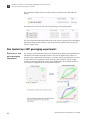
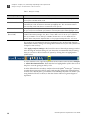
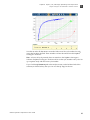
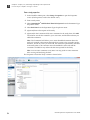
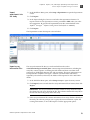
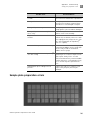
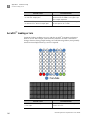
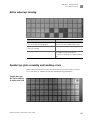
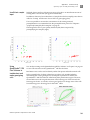
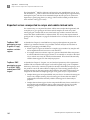
C Appendix C Troubleshooting Case leaks and bubbles Image name STAGEx_CYCLEy_CHANNEL_z.tiff Description FAM (z=1) or VIC (z=2) images at a particular cycle (y) of a particular stage (x) of the run, useful for looking at patterns in the florescent data (e.g. gradients). Note: “cp#” in the image file name refers to the position (1–4) within the QuantStudio™ 12K Flex instrument. To view images, a free imaging program called ImageJ is recommended due to its ability to easily manipulate the images in ways that programs such as the built‐in Windows image viewers can’t. Many images will need to be adjusted for brightness/ contrast in order to really be able to see what is happening. To do this, open the image in ImageJ, then open the brightness/contrast adjustment via ImageAdjustBrightness/Contrast (or press Ctrl+Shift+C). Then, click the Auto button (or adjust the sliders) until the features of interest in the image are visible. Case leaks and bubbles Improper sealing of the OpenArray® plate in the OpenArray® Case can lead to immersion fluid leaks or bubble formation inside the case, leading to uneven heating and imaging throughout PCR and to poor quality genotyping data. Below are some examples of OpenArray® plates that have been affected by immersion fluid leaks. The images show where leaked fluid has condensed on the underside of the heated cover windows and obscured the view of the through‐holes. 99 Pharmacogenomics Experiments User Guide