1
4.0 EIS Simulation – Getting Started
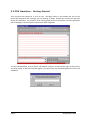
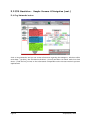
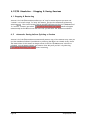
Your second action should be to click on the ‘Strategy’ button in the middle oval box of the
screen and summarize the strategy you are planning to adopt. Include any revision you may have
during the simulation, for instance, after having gathered more information on the organisation
and its managers. Click on ‘Back to the Action’ when completed.
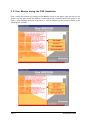
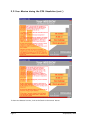
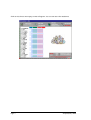
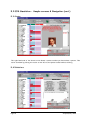
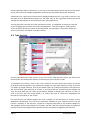
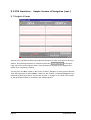
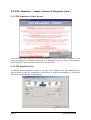
To start the simulation, click on “Enter new session” (oval box on the bottom right of the screen).
A screen similar to the one below will appear. You have enter your Personal Password to start the
simulation.
Page 6
© AlphaLabs, 2002