1
PLOT GRAPH/ SAVE
PLOT GRAPH/ SAVE
To be able to plot data, it must first be saved. Once data is retrieved, the
measurement data can be viewed in graph mode or used in a spreadsheet.
This section shows how to store the data and view it (offline) using the graph
function.
Store data
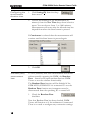
To store data, check the Save Data checkbox before you
start your measurements. Every time you wish to save a
file the check box must be rechecked to activate the
save function.
You can only plot data after it has been saved first!
The following instructions must be made every time
you wish to save data.
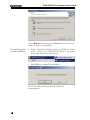
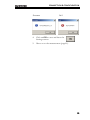
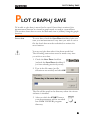
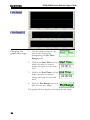
1. Check the Save Data checkbox
(recheck the Save Data checkbox if
you have already previously saved)
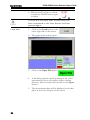
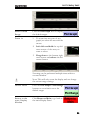
2. Type in the file name (no file
extensions are needed) and click OK
The file will be saved in the directory where the viewer
software is installed.
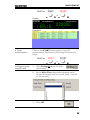
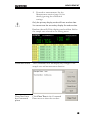
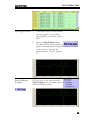
3. After you click the START button
your measurements will be recorded
into DMM VIEWER’s program
directory.
21