1
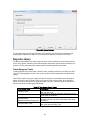
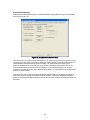
List Data for a Custom Report
Data List for Custom Report
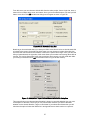
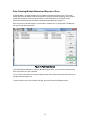
Since there may be other reports that you might want to make yourself, the Metrix Report Maker
can gather whatever data you need to create your report. The Metrix Report Maker can fill a
worksheet with data in one of two formats: Time Across or Time Down. If you plan on creating
some of your own reports, we suggest that you understand both formats first before creating your
own custom reports. In addition, we suggest you limit whatever data you request from Metrix, as
this will speed up the data gathering process.
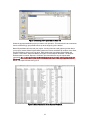
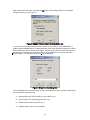
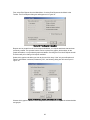
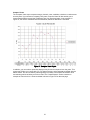
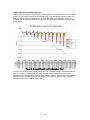
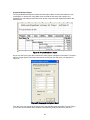
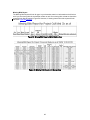
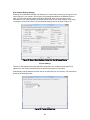
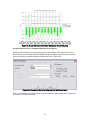
The Time Across Format, Figure 61, is likely the better format for creating tracking reports. The
data comes in 12 columns, one for each month of the Report Year. Each row represents one
year. The Time Across Format can gather Consumption, Demand, Cost, Variable, Emissions and
Ratio information for whatever scenarios you request. The Time Across Format does not contain
tuning coefficients or tuning information.
Figure 61: Time Across Data Worksheet
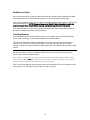
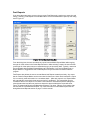
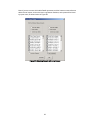
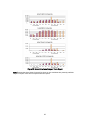
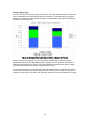
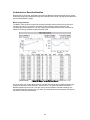
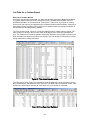
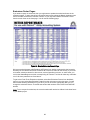
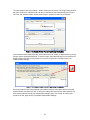
The Time Down Format, Figure 62, is the better format for gathering Tuning information, Degree
Days, Modifications, and Measures. Each row in the Time Down Format represents one bill. Cost,
Demand and Consumption data are all in the same row, for all Scenarios requested.
Figure 62: Time Down Data Worksheet
53