1
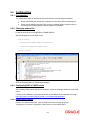
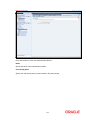
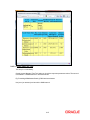
2.4.3.6 Creating Authentication Scheme
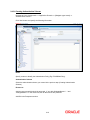
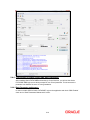
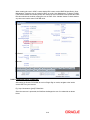
Navigate to Policy Configuration >> Application Domains >> [Webgate agent name] >>
Authentication Policies.
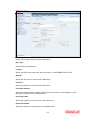
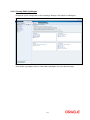
Click ‘New’ button and specify the following information.
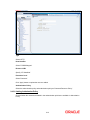
Name
Specify a name to identify the Authentication Policy (Eg: FCUBSWebPolicy).
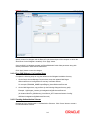
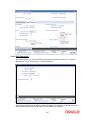
Authentication Scheme
Select the authentication scheme you created in the previous step (Creating Authentication
Scheme).
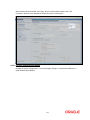
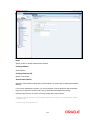
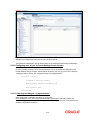
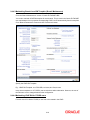
Resources
Add the resources which should be protected. If you add <WebgateName>:/…/ and
<WebgateName>:/ in the resources, then all the sources are protected.
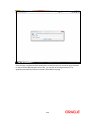
Add DN in the Responses section.
2-10