1
2
Installing Your Phone
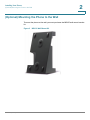
(Optional) Attaching the Desk Stand
(Optional) Attaching the Desk Stand
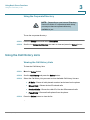
NOTE: Do not attach the desk stand if you
want to mount the phone to the wall.
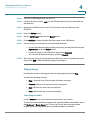
STEP 1
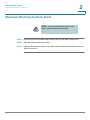
Line up the tabs on the desk stand with the slots on the back of the phone.
STEP 2
Slide the bottom tabs into the slots
STEP 3
Lightly press down on the top of the desk stand. It should easily slide into the top
slots. Do not force.
SPA525G (SPCP) User Guide
23