1
5A Hartnett Close
Mulgrave 3170,
Australia
modify
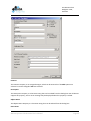
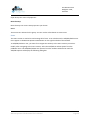
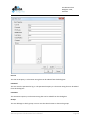
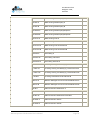
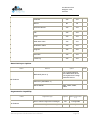
If Active, the group can modify the reference.
visible
If Active, the reference is visible to the group.
Groups
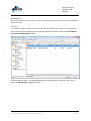
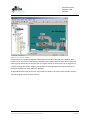
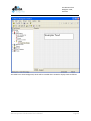
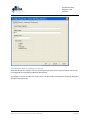
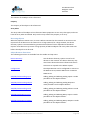
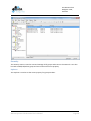
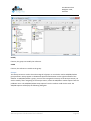
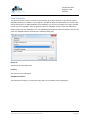
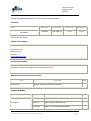
The Groups section is used to list and manage all of groups. It can also be used to Add/Edit/Delete
group member. Groups appear in the BACnet Operator Workstation on the right hand side of the
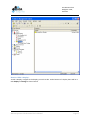
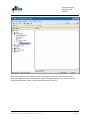
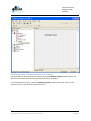
window. To Add/Edit/Delete a group, you must first navigate the Security to the Groups section you
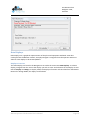
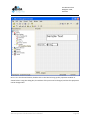
wish to modify. After navigating to the Groups section, select the Add/Edit or Delete option from the
pulldown menu. The Add/Edit/Delete Group options from the Toolbar could also be used. The
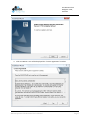
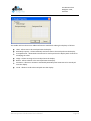
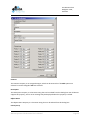
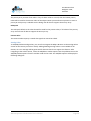
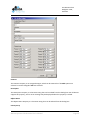
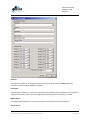
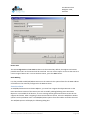
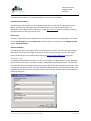
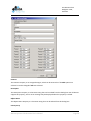
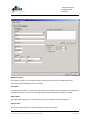
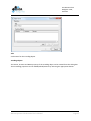
Add/Edit options will display the following dialog box.
BACnet Operator Workstation User’s Manual
Page 61