1
Updated on 04/30/12
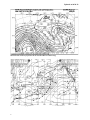
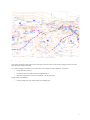
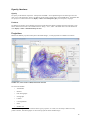
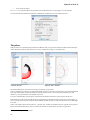
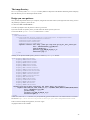
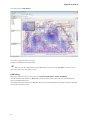
This will allow you to see if the fax you want to display is the right one. A right-click on the fax preview will give you access
to some zoom options.
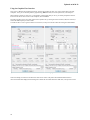
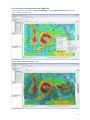
Use the “GRIB at the mouse” feature
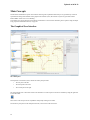
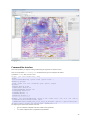
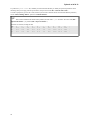
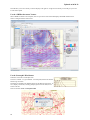
When a GRIB is available in the composite, there is a pane in the Control Panel that displays the GRIB conditions at the
mouse. It changes when the mouse moves.
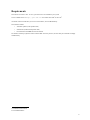
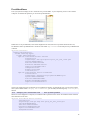
Use the Geostrophic Wind feature
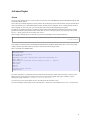
Some faxes come with a Geostrophic Scale.
It is here to estimate – at a given latitude – the wind speed, based on the distance
between 2 given isobars.
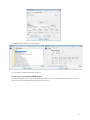
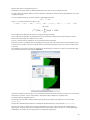
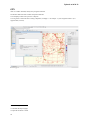
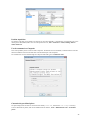
This feature is available in the Weather Wizard, for the Mercator projections. To
use it, display a surface fax, and drop pushpins (just click on the chart) on two
isobars of the fax.
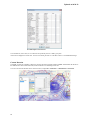
Then use the menu Tools > Geostrophic Wind.
44